Pick the situation closest to yours. We’ll show what we would build for it and where that sits in the migration and modernization capabilities below.
Pick where the move is stuck
Where it is stuck
The Move Is Agreed, the Plan Is Not
The decision to go to the cloud has been made, but nobody has mapped what depends on what, or which workloads can move first without breaking the ones still behind them.
What we would build
What you could end up with
A dependency map that says what can move, and in what order
Migration waves sized to risk rather than to convenience
A rollback position at every cutover, agreed before it is needed
What it works with
The applications, data and infrastructure you run today
What each workload depends on, and what depends on it
The workload runs, but it runs on infrastructure your own team sizes, patches and babysits. Moving it unchanged would carry every bit of that overhead into a cloud bill.
What we would build
What you could end up with
Workloads on managed services instead of servers you maintain
Less infrastructure to operate after the move than before it
Environments that can be changed without a maintenance window
What it works with
What the current infrastructure costs to keep running
Which components have a managed equivalent worth taking
How much change the application can absorb at once
Scaling means scaling everything, releases move as one block, and it is the shape of the application rather than the infrastructure under it that limits the next step.
What we would build
What you could end up with
Containers and orchestration where independent scaling earns its cost
Services that can be released and scaled on their own
A modernization boundary drawn around the workloads that justify it
What it works with
Which workloads genuinely need to scale independently
What the team can operate once it is distributed
The parts that are better left exactly as they are
The workloads are in the cloud, but resource sizing, scaling policies and storage choices were never revisited once the migration was declared finished.
What we would build
What you could end up with
Compute and storage sized to real usage, not to the old servers
Scaling policies that follow demand instead of a fixed peak
Reliability targets that survive the cost work
What it works with
Where the cloud spend is actually going now
Which workloads are over-provisioned, and which are not
The availability the business is already committed to
We assess what should move, what should change, and what should stay, then shape a migration path around performance, resilience, cost, and long-term maintainability.
01
Cloud Readiness & Migration
Evaluate applications, infrastructure, dependencies, and data before planning the move.
AI workloads can expose limitations in compute, data access, architecture and operational controls. We identify where the current cloud estate may need to evolve before intelligent capabilities are introduced at scale.
01
Compute That Can Scale Differently
Prepare infrastructure for workloads with different processing, memory and scaling demands.
Legacy platforms, regulatory requirements, workload patterns and growth pressures shape how each industry should approach cloud migration and modernization.
01 / 09
FinTech
01Core Platform Migration
02Payment Workloads
03Resilience
04Cost Control
05Cloud-Native Services
02 / 09
RegTech
01Secure Workload Migration
02Auditability
03Data Residency
04Reliability
05Controlled Modernization
03 / 09
InsurTech
01Policy Platforms
02Claims Systems
03Integration Modernization
04Scalability
05Cloud Optimization
04 / 09
Healthcare
01Clinical Applications
02Secure Data Migration
03Availability
04Legacy Infrastructure
05Compliance-Aware Cloud
05 / 09
Manufacturing
01Operational Systems
02Hybrid Cloud
03Legacy Infrastructure
04Containerization
05Reliability
06 / 09
Retail & eCommerce
01Commerce Platforms
02Peak-Load Scaling
03Database Migration
04Cost Optimization
05High Availability
07 / 09
Logistics & Supply Chain
01Tracking Platforms
02Distributed Workloads
03Integration Modernization
04Scalability
05Resilience
08 / 09
SaaS & Technology
01Multi-Tenant Platforms
02Re-platforming
03Kubernetes
04Cloud Cost Optimization
05Architecture Modernization
09 / 09
Defence
01Secure Infrastructure
02Controlled Migration
03Workload Isolation
04Resilience
05Hybrid Cloud
How we work
How a Move Is Planned and Run
Cloud migration consulting starts with the estate you actually run — what depends on what, what has to stay available, and what the move is meant to fix — rather than with a target architecture chosen in advance.
01
Assess What You Actually Run
Map applications, infrastructure, data and dependencies before anything is scheduled, and decide per workload whether it should move as it is, change on the way, or stay where it is.
Focus
DependenciesDataRiskValue
02
Plan the Waves
Group workloads into migration waves by risk and dependency, then settle the cutover method, the replication approach and the rollback position for each one before it runs.
Focus
SequenceCutoverRollbackDowntime
03
Move and Re-platform
Run each wave with the change agreed for it, taking managed services where they remove infrastructure rather than add it, and validate against real behaviour before the old environment is retired.
Focus
MigrationRe-platformingValidationRetirement
04
Optimize and Operate
Revisit sizing, scaling policies, storage and licensing once real usage is visible, so the bill reflects demand instead of the servers the workload used to run on.
Focus
Right-SizingScalingCostReliability
Assess01 Assess What You Actually RunPlan02 Plan the WavesMove03 Move and Re-platformOptimize04 Optimize and Operate
Insights
Thinking Behind the Move.
Notes from migrations that landed: what the assessment found, what changed on the way, and what the estate looked like once the move was done.
Data & Analytics
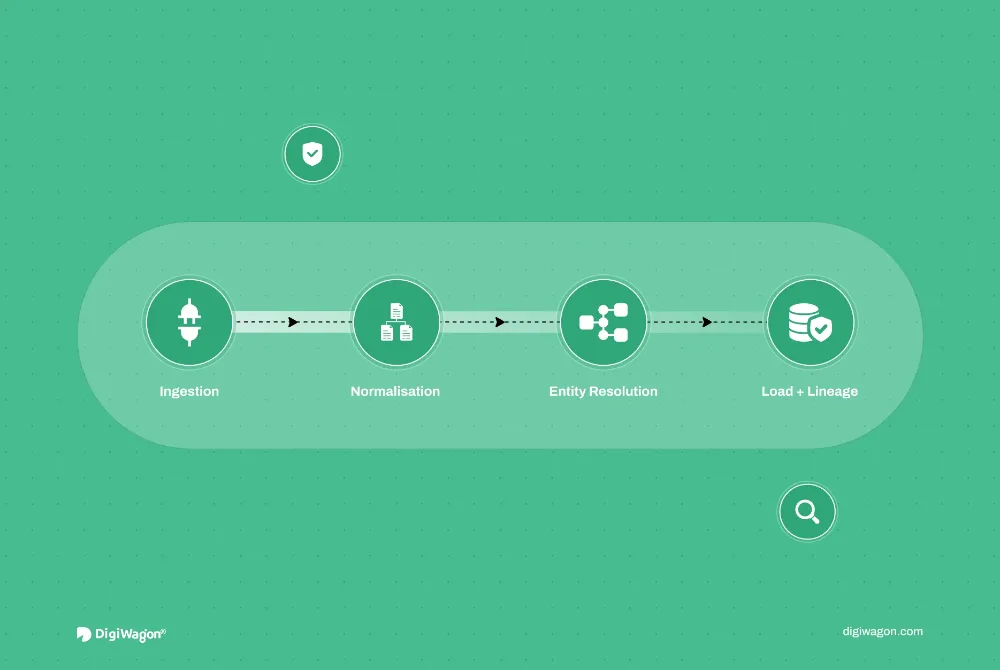
ETL Pipeline Design for FinTech: AML Data at Scale
· Akash Thakor · 10 min read
Software Engineering
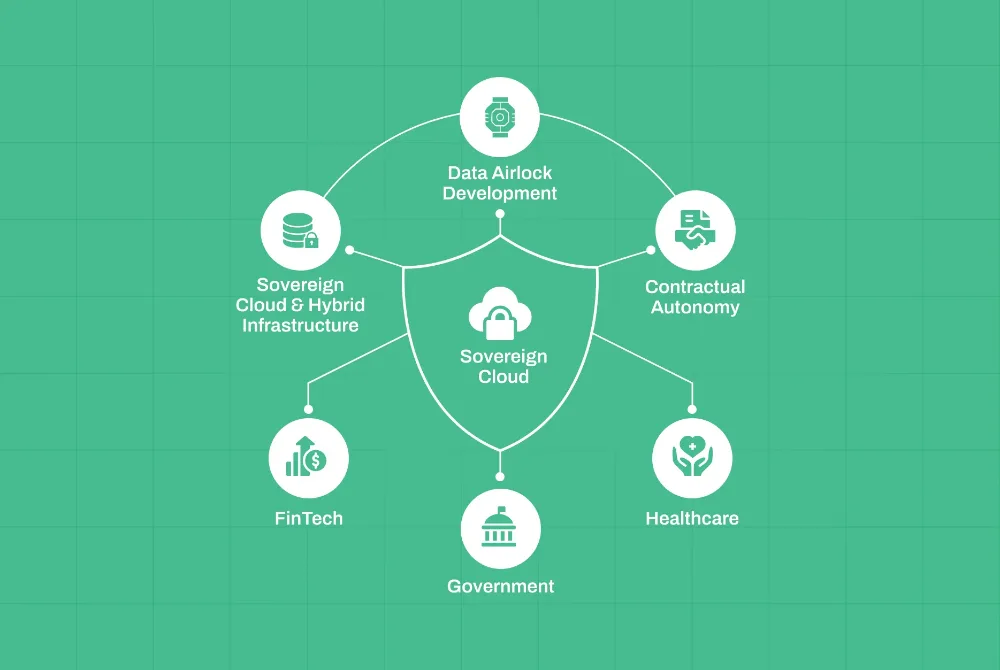
The Sovereign Sourcing Framework: Balancing Global Outsourcing with Data Residency in UAE & Europe
· Rushabh Modi · 4 min read
Software Engineering
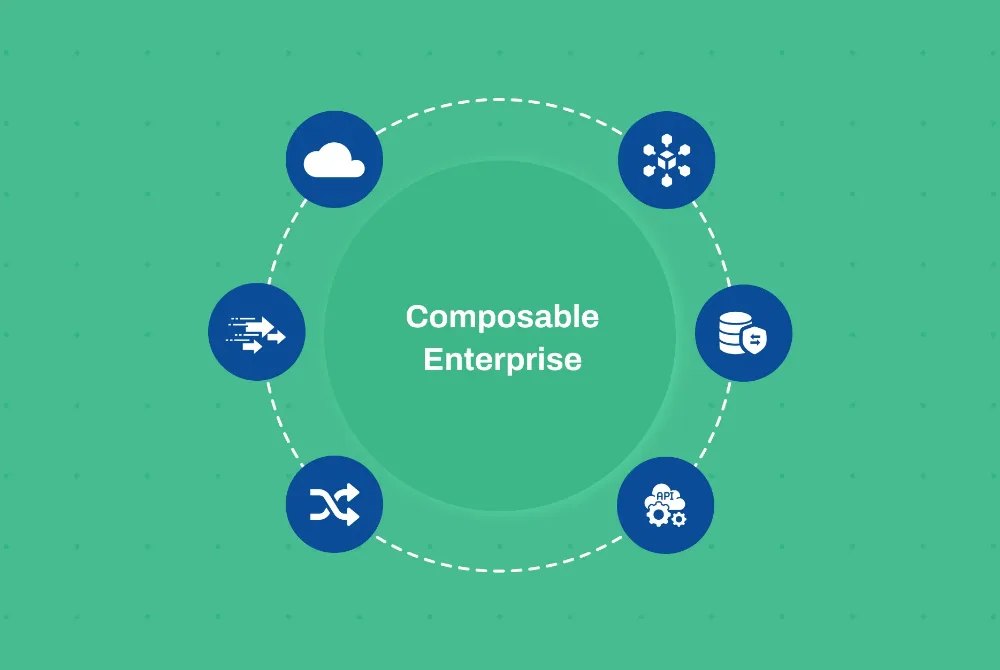
The CTO’s Guide to Composable Enterprise: Unlocking Agility for Digital Transformation in 2026
Frequently Asked Questions About Cloud Migration & Modernization
Straight answers on where cloud migration ends and cloud modernization services begin, how a lift-and-shift move compares with re-platforming, how migration waves get planned around downtime, and what the bill looks like once the move is finished.
01What is the difference between cloud migration and cloud modernization?
Cloud migration moves applications, data or infrastructure into a cloud environment. Cloud modernization goes further by improving how those workloads are architected and operated through approaches such as re-platforming, managed services, containers, cloud-native architecture and optimization. A lift-and-shift move is migration without modernization; most programmes need both, and the assessment decides which workloads get which.
02How do you decide what should be migrated, re-platformed or modernized?
We assess application dependencies, infrastructure, data, performance requirements, operational risk and long-term value. Stable workloads may move with minimal change, while applications constrained by legacy architecture, scalability or maintenance issues may benefit from re-platforming or deeper modernization. The assessment is what makes that a decision rather than a default.
03Can cloud migration be completed without major downtime?
Yes, many migrations can be planned to minimize disruption through phased cutovers, replication, parallel environments and controlled deployment strategies. The right approach depends on workload criticality, data volumes, dependencies, and how much downtime the business can tolerate. Workloads are grouped into migration waves by risk and dependency, so downtime is designed against rather than discovered.
Not automatically. Moving workloads without changing how resources are sized or operated can simply shift existing costs into the cloud. Cost optimization typically requires reviewing resource usage, managed services, scaling policies, storage, licensing and architecture after migration. Migration is where the bill moves; optimization is where it comes down.
05How do you prepare cloud infrastructure for AI workloads?
We assess whether compute, data access, APIs, security, observability and scaling can support AI workloads reliably. Modernization may include elastic compute, container environments, managed data services, stronger integration layers and better cost visibility before AI capabilities are introduced into production.
Move Forward Without Carrying Legacy With You
Identify what should migrate, what should modernize and where the cloud can improve performance, resilience, and cost.
One click opens the assistant you already use with a question that points it at this page, so the answer comes from what we publish, not a guess.
The question it opens withRead https://digiwagon.com/cloud-migration-services and explain how DigiWagon runs a Cloud Migration Services Beyond Lift-and-Shift engagement, what I should expect in the first 90 days, and how to judge whether a partner like this fits a team of our size. Stick to what the page says and mark anything you are not sure about.