The Enterprise Audit Method: Key Takeaways
- Enterprise users are trained and cannot switch tools, so a consumer-style UX audit misjudges what slows them down.
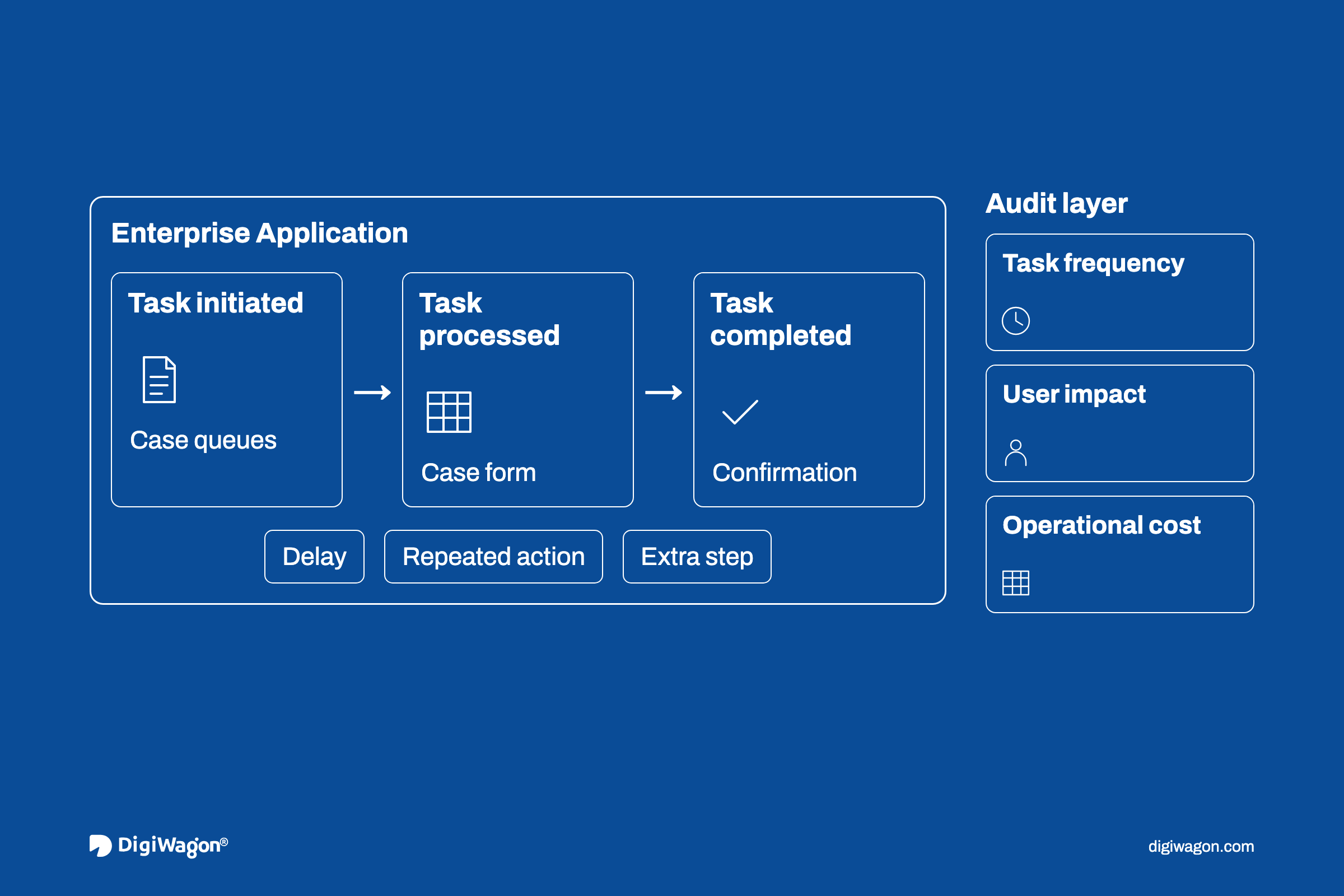
- Scope the audit by task frequency and cost from product telemetry, not by walking every screen.
- Every finding needs observed evidence: a recorded task, an event-log pattern or a workaround artefact.
- Severity weighs frequency, impact and persistence against how many users repeat the task each day.
- Findings ship as component-mapped tickets, with acceptance criteria tied to the task metric that surfaced them.
What Is a UX Audit for Enterprise Software?
A UX audit for enterprise software is a structured review of how trained users complete their most frequent, most expensive tasks. It judges each task against named heuristics and observed behaviour, and samples workflows by usage, not screens by count. The output is a severity-ranked backlog of findings, each mapped to a component engineering can size and schedule.
Why Consumer Audit Checklists Misfire on Enterprise Software
Most UX audit guidance tracks conversion rates and bounce rates, and assumes a user who can leave. Enterprise software has no such user. The people in a claims system are trained on it and expected back tomorrow.
That changes where the cost sits. ISO 9241-11:2018 defines usability for specified users, goals and context of use. In enterprise software, that context is a trained user repeating the same tasks every working day.
Friction here appears as slower cases and side spreadsheets, not churn. A usability audit that grades screens for polish misses it. The business case for a design audit and the enterprise UI/UX playbook for decisions and audits cover when to run one; this piece covers the method.
How Should You Scope an Audit When the Product Has Hundreds of Screens?
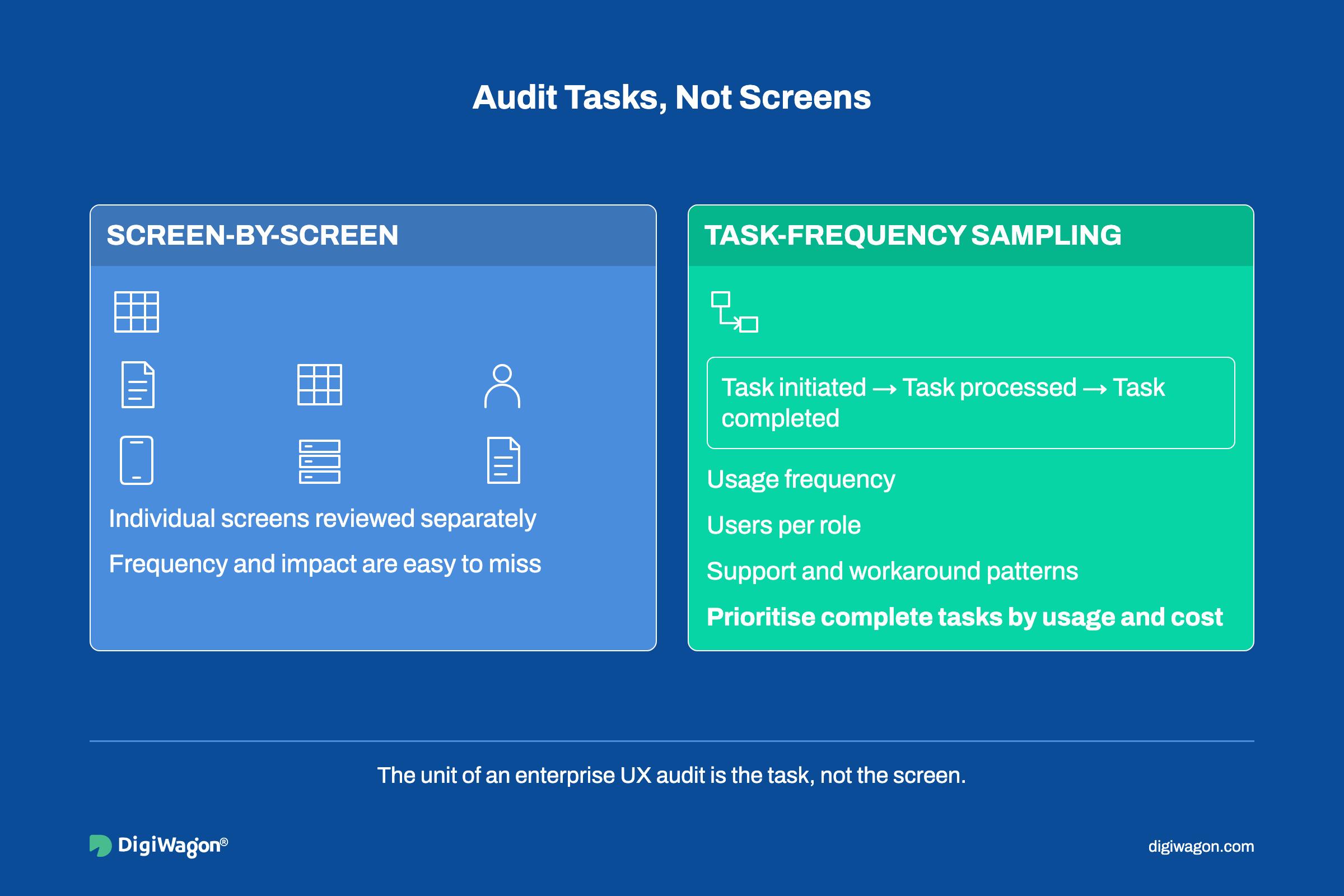
Screen-by-screen coverage breaks at enterprise scale. A settings defect seen once a year lands beside one on a queue that stays open all day, and nobody can rank the list. ISO 9241-11 lists users, goals, tasks, resources and environment as the context of use, so the unit of an audit is the task, not the screen.
When the product logs usage data, the scoping pattern is task-frequency sampling. Group one full business cycle of events into tasks and user flows, then rank each task by frequency times the users who run it. Four sources set the sample:
- Product telemetry: route changes, form submissions and error events, by role.
- Support tickets: tagged to the workflow, not the screen.
- Training material: the steps trainers spend longest on mark the costliest screens.
- Workarounds: spreadsheets and macros kept beside the system.
| Dimension | Screen-by-screen coverage | Task-frequency sampling |
|---|---|---|
| Unit of review | Individual screen | End-to-end task across screens |
| Catches hand-off defects | Rarely | By design |
| Rare but critical tasks | Found by chance | Added by hand after ranking |
Which Usability Heuristics Change Meaning When Users Cannot Leave?
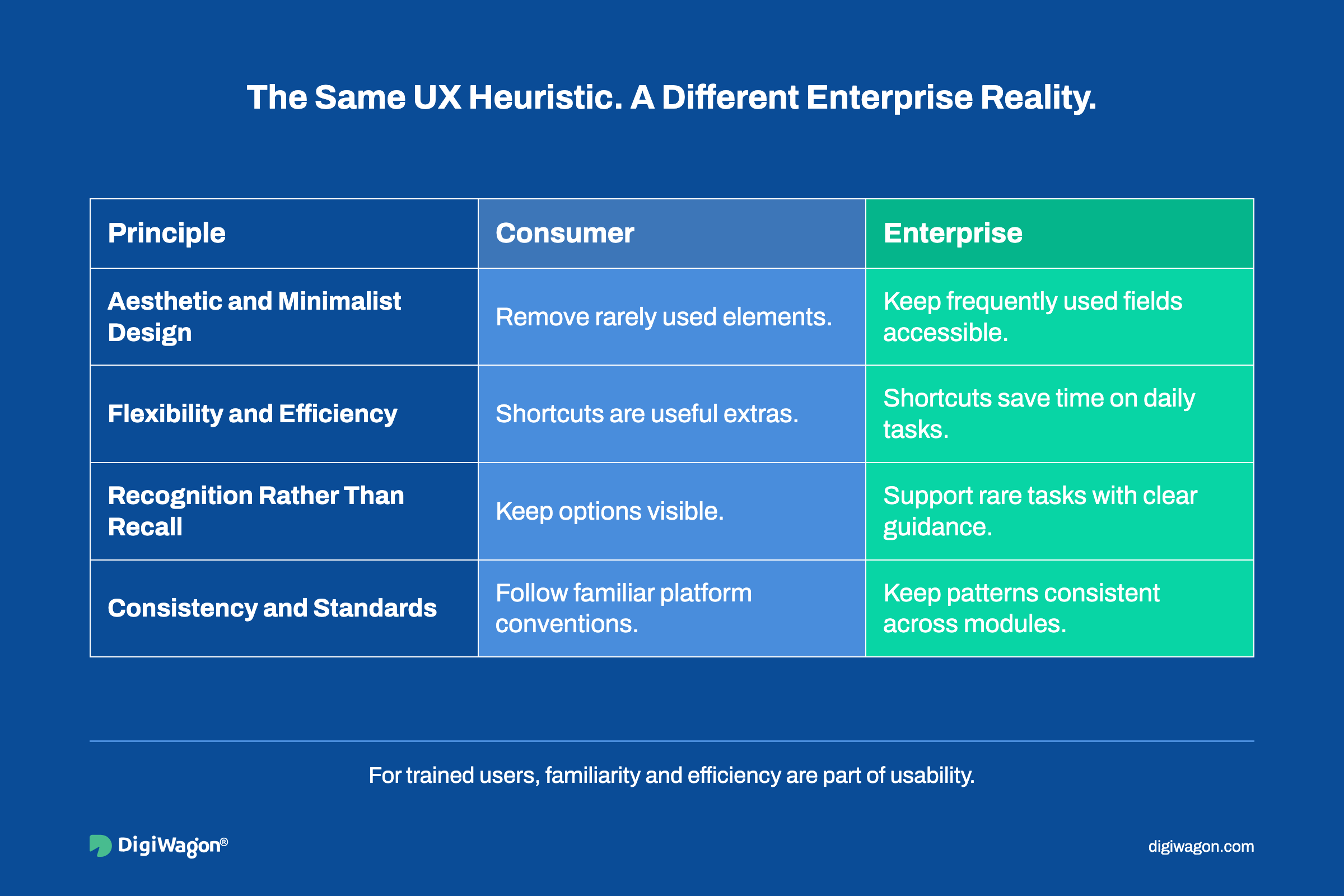
The 10 usability heuristics from Nielsen Norman Group date from 1994, and NN/g last reviewed them in 2024. They still apply, but several invert when the user is trained and has no way out.
| Heuristic | Consumer reading | Reading for trained, captive users |
|---|---|---|
| Aesthetic and minimalist design | Remove anything rarely needed | Experts want density; hiding fields adds clicks to every case |
| Flexibility and efficiency of use | Shortcuts are a bonus | No keyboard path or bulk action on a daily task is a major finding |
| Recognition rather than recall | Keep options visible | Daily tasks run on recall; rare tasks need recognition support |
| Consistency and standards | Follow platform conventions | Consistency across modules built by different teams matters more |
A trained user builds muscle memory around a pattern, so changing it is itself a usability cost. That is why redesigning legacy dashboards without losing power users means planning migration paths, not clean-slate layouts.
What Evidence Makes an Engineering Lead Accept a Finding?
Backlog grooming rightly drops an opinion with no observed task behind it. Jakob Nielsen found that a single evaluator misses most usability issues. He recommended about five evaluators and never fewer than three (Nielsen, 1994).
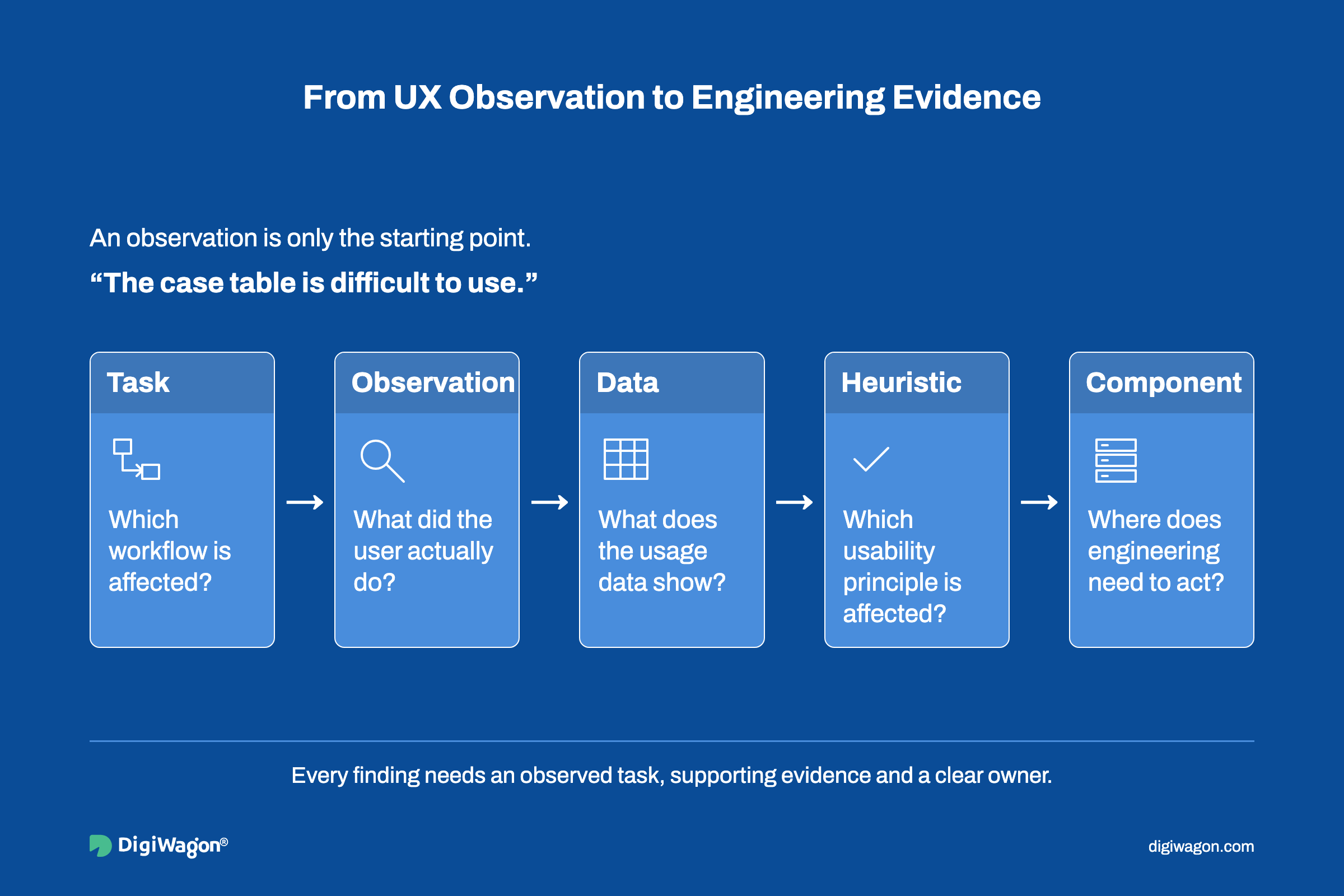
Each finding needs a fixed record:
- Task: the workflow and role where the problem occurs.
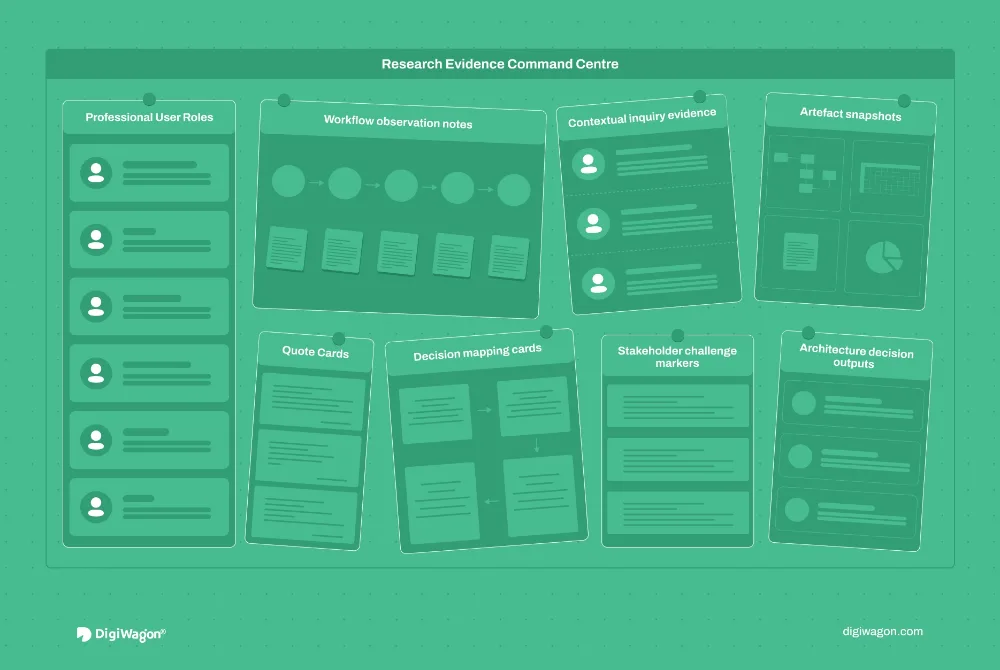
- Observation: what the user did, from a session recording or from watching them work.
- Data: the telemetry behind it, such as retries or abandon-and-restart loops.
- Heuristic: the named principle it breaks.
- Component: the UI component or service boundary that owns the fix.
Engineering reads the component field first. A finding tied to a shared table component is a scoped change; "the screen feels cluttered" is a debate.
Teams weighing an outside review can see what UX audit services for enterprise platforms cover.
How Do You Rank Severity Against Business Impact, Not Design Offence?
Nielsen's severity model asks three questions: how often a problem occurs, how hard it is to get past, and whether users keep hitting it. Each problem gets a rating from 0 (not a problem) to 4 (usability catastrophe) (Nielsen Norman Group, 1994). On enterprise software, the inputs change:
- Frequency comes from the task ranking, multiplied by the users in that role.
- Impact is the cost downstream: rework, a wrong decision or a data fix in another system.
- Persistence hides. Trained users route around a defect, so analytics show a clean path while a spreadsheet does the real work.
A persistent problem with a workaround can read as a 1 in the data and behave like a 3 in operations.
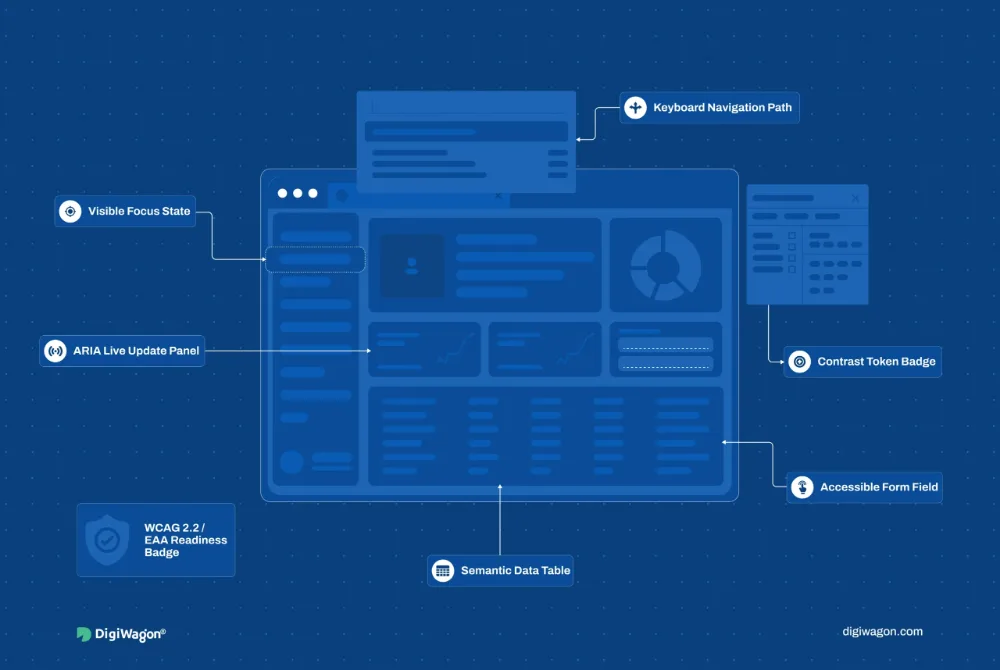
Accessibility is where judgement stops. A failure against a WCAG 2.2 Level A or AA success criterion gets a fixed severity floor, because the W3C defines conformance, not the audit team.
What Belongs on a UX Audit Checklist for Enterprise Software?
A UX audit checklist for enterprise software follows five stages: scope by task cost, recalibrate the heuristics, evidence every finding, rank severity by cost in operations and ship a component-mapped backlog. Each stage has a pass condition, so the team can check the audit before its findings reach a sprint.
- Scope: tasks ranked from a full business cycle, with a test account for every role in scope.
- Heuristics: read for trained users before the first session.
- Evidence: all five record fields filled; park any finding without an observed task.
- Severity: each evaluator rates alone, after the sessions, because one evaluator's ratings are too unreliable to trust (Nielsen, 1994).
- Backlog: findings grouped by root cause, each with an acceptance metric and a query to re-run after release.
What the UX Audit Report Hands to Engineering
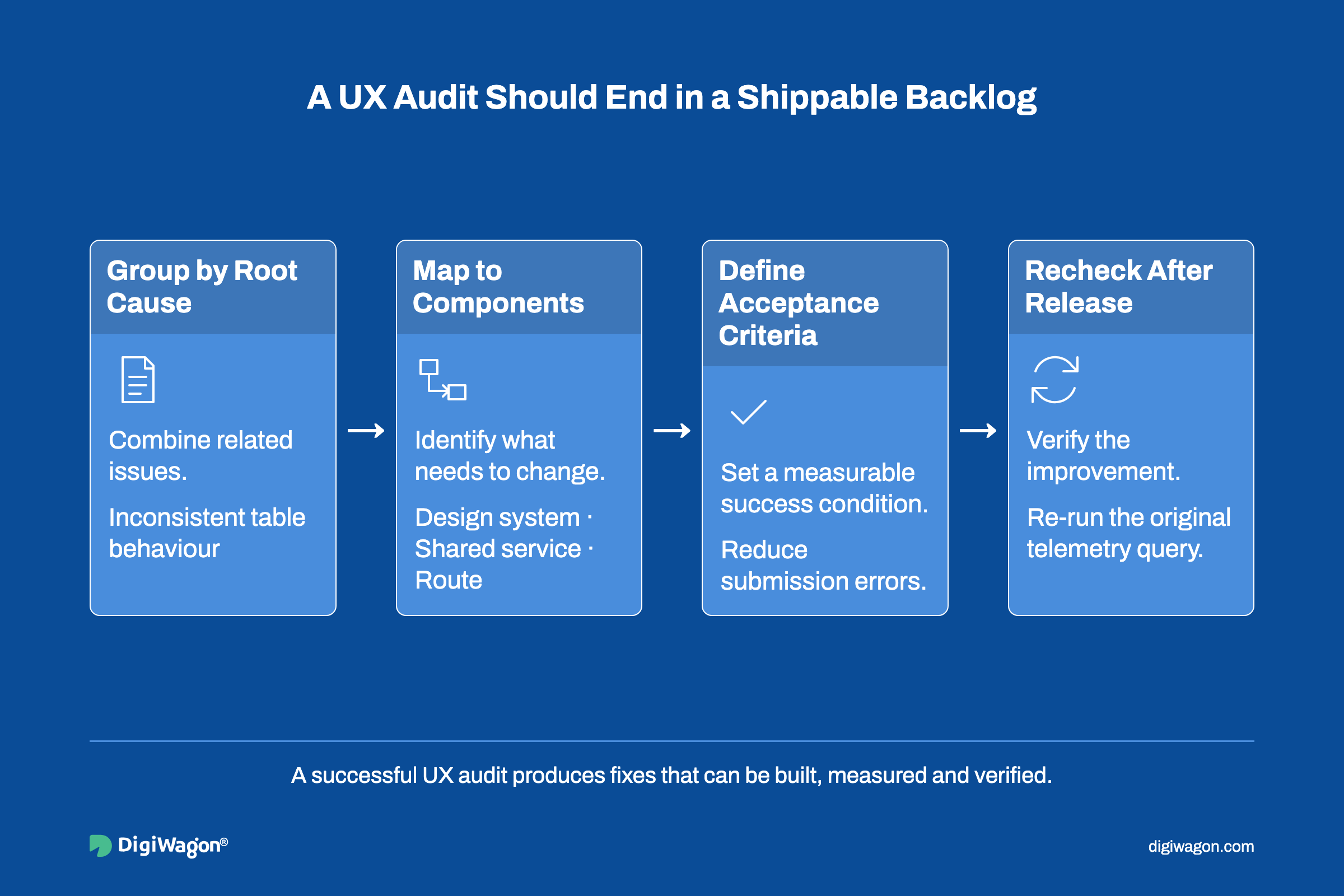
Judge an enterprise UX audit by what got fixed, not what got found. Findings stall in sprint planning when they arrive as prose with no owner. The report that survives looks like an engineering backlog:
- Root-cause grouping: findings that trace to one inconsistent table component become one fix with many checks.
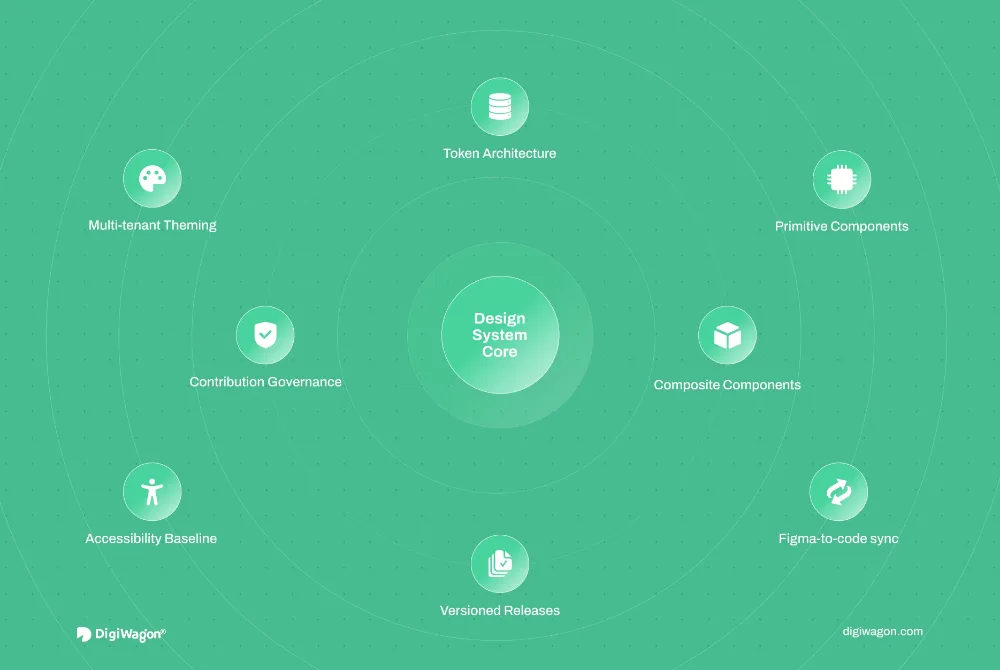
- Component mapping: each group points at a design-system component, a shared service or a route.
- Acceptance criteria: tied to the task metric that surfaced the finding, such as the error rate on a submission step.
- Re-check plan: the same telemetry query, run again after release, closes the finding.
ISO 9241-210:2019 treats human-centred design as a loop driven by user-centred evaluation. The re-check is where an audit joins that loop instead of ending as a document. The UX audit scorecard gives a 15-question first read before a full review.
Lessons from Reviewing AML Case Workflows
On the compliance platform redesign for RapidAML, we reviewed the existing product through stakeholder interviews and UX research. The findings that mattered were about workflow. Case tracking needed clearer ownership and status visibility, and users needed fewer steps from alert detection to investigation.
Neither finding was about how a screen looked. A Kanban case board now tracks each case from new alert to completion, and dashboards follow each role's duties.
We resolved the consistency findings across dashboards, forms, tables, alerts and reports with reusable Figma components. We chose one shared component library over per-screen fixes, because a single component change then carried to every module that used it.
Planning an Enterprise Platform Audit with DigiWagon
DigiWagon's experience design team audits enterprise platforms task by task. It delivers a remediation roadmap engineering can schedule. Engagements cover:
- Heuristic review of the highest-volume user journeys
- WCAG 2.2 gaps found in the same review
- Findings ranked by impact against effort, mapped to components
- A staged upgrade plan
Measuring an Audit by What Ships
A UX audit of enterprise software works when it treats the user as someone who will be back tomorrow. It hands engineering a backlog, not a report.
Scope by task cost, evidence every finding and rank severity by its cost in operations. An audit built this way ends as component changes that are already sized, which is how findings reach production.