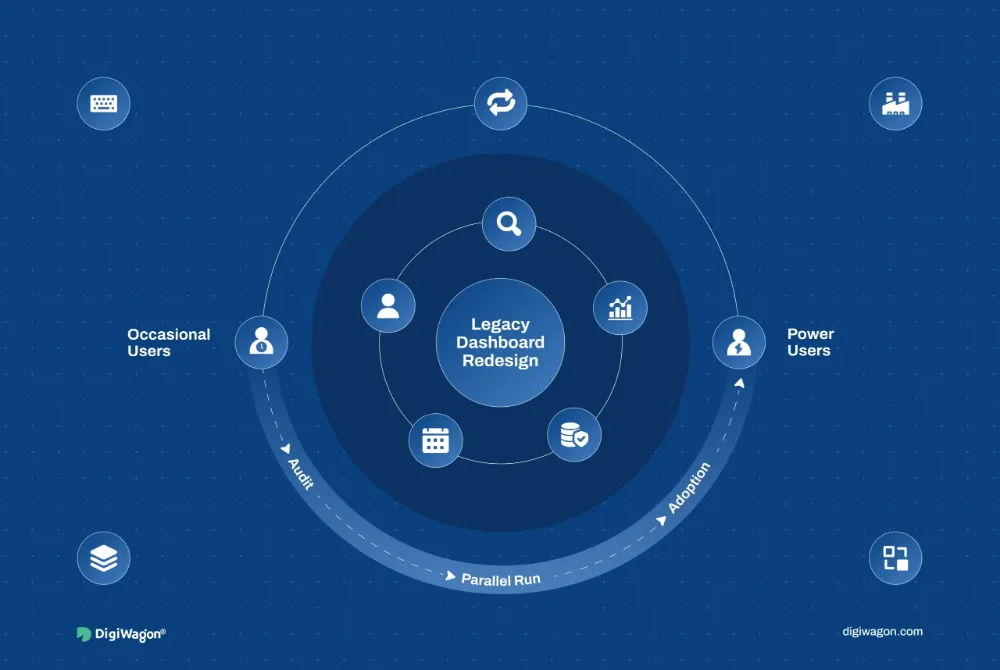
Assess usability, interface consistency and legacy experience issues to uncover what is getting in the way, what should change and where modernization can create the most value.
Pick the situation closest to yours. We’ll show what we would assess and where that sits in the audit capabilities below.
Pick what the product is costing you
What it costs
People Give Up Partway Through
A journey that should complete does not, often enough to show in the numbers, and nobody has sat down and walked it end to end to find out where it goes wrong.
What we would assess
What you could end up with
A heuristic review of the journeys that carry the most business weight
Task flows walked step by step, with the friction named where it occurs
Accessibility gaps found in the same pass rather than in a separate one
The screens still reflect how the company worked when they were built, the interaction model is a decade behind, and a full rebuild is not on the table.
What we would assess
What you could end up with
Legacy interfaces redesigned in stages rather than in one cutover
A design system adopted where it removes work, not everywhere at once
AI-assisted workflow opportunities identified where they genuinely reduce effort
What it works with
How tightly the current UI is coupled to the systems behind it
The parts of the experience that still work and should survive
We assess usability, interface quality, product behavior and legacy constraints to identify the issues that matter most and where improvement can have the strongest impact.
01
UX & Usability Audit
Review key journeys, task flows and interaction patterns to uncover friction, usability gaps and areas that may be affecting completion or confidence.
Evaluate visual consistency, component usage and interaction states to identify where the interface has become fragmented or difficult to maintain.
UI AuditDesign System AuditComponent ConsistencyDesign TokensResponsive BehaviorWCAG 2.2 Considerations
03
Product Experience Assessment
Look across the wider product experience to understand where complexity, outdated patterns or feature growth may be creating unnecessary effort for users.
Identify where legacy interfaces, repetitive steps or outdated interaction models should evolve, including opportunities for AI-assisted workflows where they can reduce effort or improve decisions.
Legacy UI RedesignInterface ModernizationDesign System AdoptionAI Workflow OpportunitiesExperience Simplification
AI-enabled experience modernization
When AI Changes the Workflow
Introducing AI can reduce effort, but it also changes what users see, decide and control. We identify where intelligent assistance can improve the journey and redesign those moments so the experience stays clear, trustworthy and easy to use.
01
Find Information Faster
Move from filters and repeated navigation to contextual results, while keeping relevance and source information visible.
Search Experience · Result Hierarchy · Explainability · Fallback States
02
Focus on What Matters
Surface summaries, exceptions and key signals so important information stands out without requiring users to scan everything.
Information Hierarchy · Review States · Confidence Cues · Human Confirmation
03
Reduce Repetitive Input
Pre-fill known information and suggest relevant values while keeping every important input editable and under user control.
Assisted Forms · Editable Suggestions · Validation States · Error Recovery
04
Surface the Next Action
Use context to surface relevant actions while keeping the final decision understandable and reversible.
Guided Actions · Decision States · User Control · Confirmation Patterns
Existing products accumulate different usability, interface and workflow issues depending on the users, regulations and operational complexity behind them.
01 / 09
FinTech
01Onboarding Audits
02Lending UX
03Payment Flows
04Dashboard Modernization
05AI-Assisted Review
02 / 09
RegTech
01Case Management UX
02Approval Flows
03Dense Data Interfaces
04Auditability
05Decision Support
03 / 09
InsurTech
01Quote Journeys
02Claims UX
03Agent Portals
04Policy Interfaces
05Workflow Modernization
04 / 09
Healthcare
01Patient Portals
02Clinical Interfaces
03Accessibility
04Information Hierarchy
05Assisted Workflows
05 / 09
Manufacturing
01Shop-Floor Interfaces
02Operational Dashboards
03Legacy UI
04Task Simplification
05Role-Based UX
06 / 09
Retail & eCommerce
01Commerce Discovery
02Checkout UX
03Account Journeys
04Mobile Experience
05Search Modernization
07 / 09
Logistics & Supply Chain
01Tracking Interfaces
02Warehouse UX
03Driver Journeys
04Exception Handling
05Workflow Assistance
08 / 09
SaaS & Technology
01Product Onboarding
02Admin UX
03Dashboard Audits
04Design System Gaps
05Feature Complexity
09 / 09
Defence
01Operational Interfaces
02Information-Dense UX
03Role-Based Access
04Decision Support
05Legacy Interface Modernization
Our work
Experience Design in practice.
Engagements from the wider Experience Design practice this service sits in — 2 of them written up in full.
We look at the product as it is rather than as it was designed, separate what is annoying from what is costing you, and finish with a sequence you can start on Monday.
01
Review What Exists
Walk the journeys that carry the most weight, evaluate them against usability principles, and note where completion, confidence or accessibility is being lost.
Focus
JourneysHeuristicsAccessibilityFriction
02
Compare Against the System
Check the built interface against its own design system and component library, so inconsistency is measured rather than described, and drift has a size.
Focus
ComponentsTokensStatesDrift
03
Prioritize the Findings
Rank what was found by user impact against effort, so the output is an order of work rather than a list of everything that could be better.
Focus
ImpactEffortRiskOrder
04
Sequence the Modernization
Decide what changes incrementally and what needs a wider redesign, including where AI-assisted workflows genuinely reduce effort rather than adding a layer.
Focus
IncrementsRedesignAdoptionAI opportunities
Review01 Review What ExistsCompare02 Compare Against the SystemPrioritize03 Prioritize the FindingsSequence04 Sequence the Modernization
Insights
Thinking Behind the Rebuild.
Field notes on auditing what already exists, modernizing legacy interfaces in stages, and deciding which parts of an experience are worth keeping.
Experience Design
From Chaos to Clarity: The ROI of a Design Audit & Usability Testing in Legacy Enterprise Software
· Rutvi Kothari · 6 min read
Experience Design
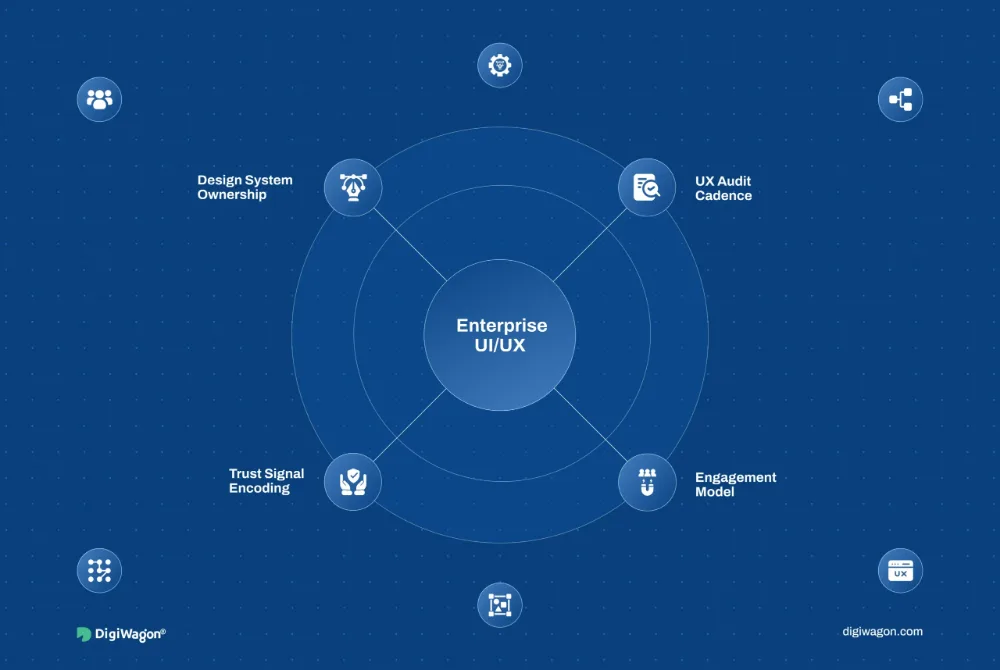
Enterprise UI/UX Playbook: Decisions and Audits
· Pavan Chavda · 10 min read
Experience Design
Redesigning a Legacy Dashboard Without Losing Power Users
Straight answers on what a UX audit includes, how it differs from usability testing, whether a UI audit can modernize an interface without touching the backend, and when a product experience audit is worth more than a redesign.
01What does a UX audit include?
A UX audit reviews how well an existing product supports users across key journeys, interactions and tasks. It can include heuristic evaluation, usability gaps, accessibility considerations, interface consistency, design system issues and product behavior, followed by a prioritized view of what should be improved first.
02What is the difference between a UX audit and usability testing?
A UX audit is an expert review of the current product against usability principles, interaction patterns and known experience issues. Usability testing observes real users completing tasks. The two can work together, with the audit identifying likely problems and testing validating how those issues affect users in practice.
03Can you modernize a UI without rewriting the backend?
Yes. In many cases, the interface can be redesigned incrementally while the underlying backend remains in place. The approach depends on how tightly the current UI is coupled to the system, but phased modernization can improve usability, consistency and responsiveness without forcing a full technical rebuild.
04What is the difference between incremental modernization and a full redesign?
Incremental modernization improves selected journeys, components or interface layers over time, while a full redesign rethinks the wider experience more comprehensively. The right choice depends on product risk, technical constraints, design debt, user impact and how much of the current experience still works well.
05How do you identify AI opportunities in an existing product?
We look for parts of the current experience where users spend too much time searching, reviewing, entering information or deciding what to do next. AI opportunities are then assessed against user value, data readiness, trust, control and whether the change genuinely improves the experience rather than adding unnecessary complexity.
Give the Existing Experience a Better Next Version
Identify what is creating friction, what should be modernized and where smarter interactions can improve the way users work.
One click opens the assistant you already use with a question that points it at this page, so the answer comes from what we publish, not a guess.
The question it opens withRead https://digiwagon.com/experience-modernization-services and explain how DigiWagon runs a UX Audit Services engagement, what I should expect in the first 90 days, and how to judge whether a partner like this fits a team of our size. Stick to what the page says and mark anything you are not sure about.