
Invisible UI in SaaS: Key Takeaways for 2026
- Zero-interface SaaS replaces dashboards with proactive, agent-driven execution
- Invisible UI delivers outcomes via triggers, automation, and natural language interactions
- Intent-based design removes navigation, letting users state goals while agents execute
- Trust requires progressive disclosure, graceful degradation, and tight feedback loops
Beyond the Dashboard – The Death of the Click
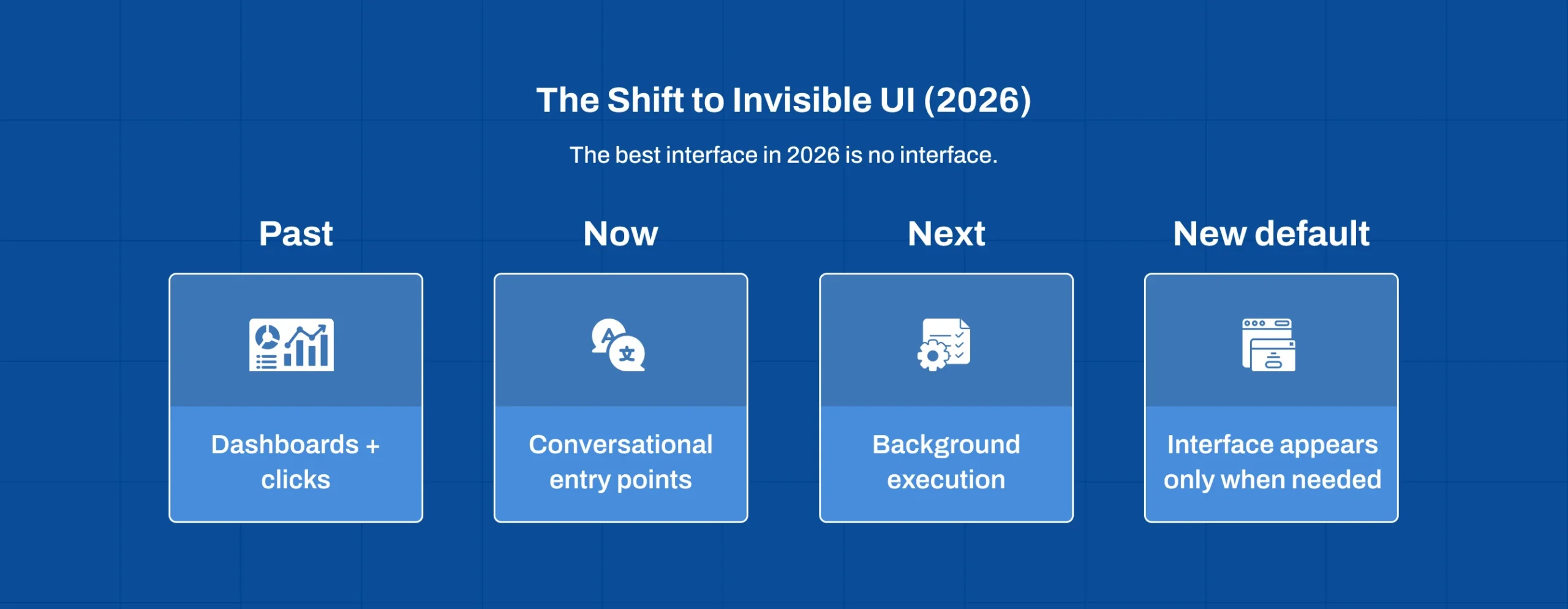
For the last decade, the success of a SaaS Product was measured by “stickiness”, how long a user spent staring at a dashboard. But in 2026, the paradigm has shifted. We are entering the era of the Invisible UI, powered by AI & Machine Learning, where intelligent automation and zero-interface SaaS experiences redefine user engagement by prioritizing outcomes over screen time.
Today’s enterprise leaders realize that the best interface isn’t a prettier sidebar or a faster-loading table; it’s no interface at all. As AI Agent Developmentmatures, software is evolving from a tool that humans operate into a partner that executes on their behalf. For CTOs and Product Heads, the goal is now “Zero-Interface”, where the software anticipates needs, performs tasks in the background, and only surfaces when human intervention is strictly necessary.
What is Invisible UI? Defining the Zero-Interface Era
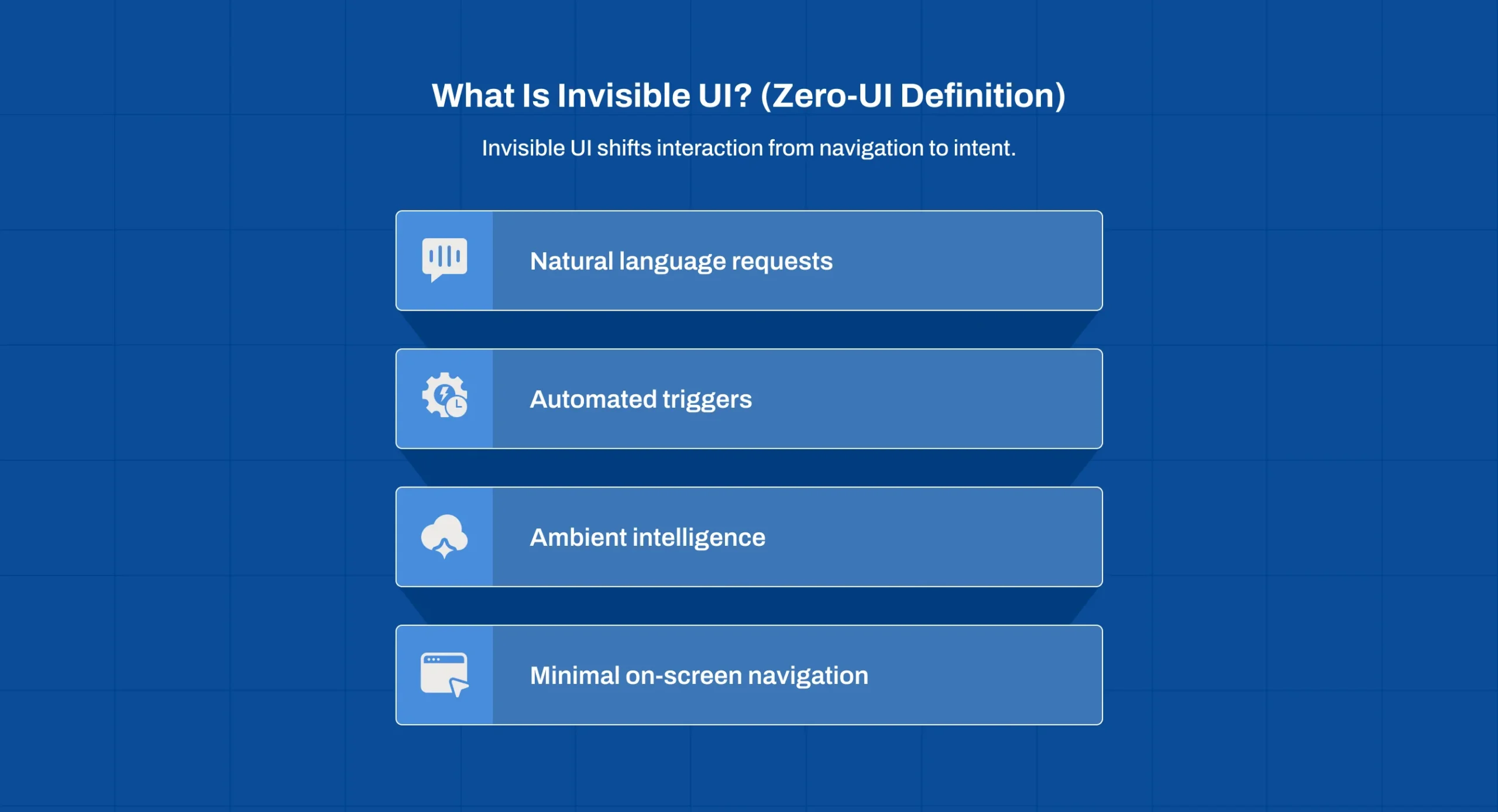
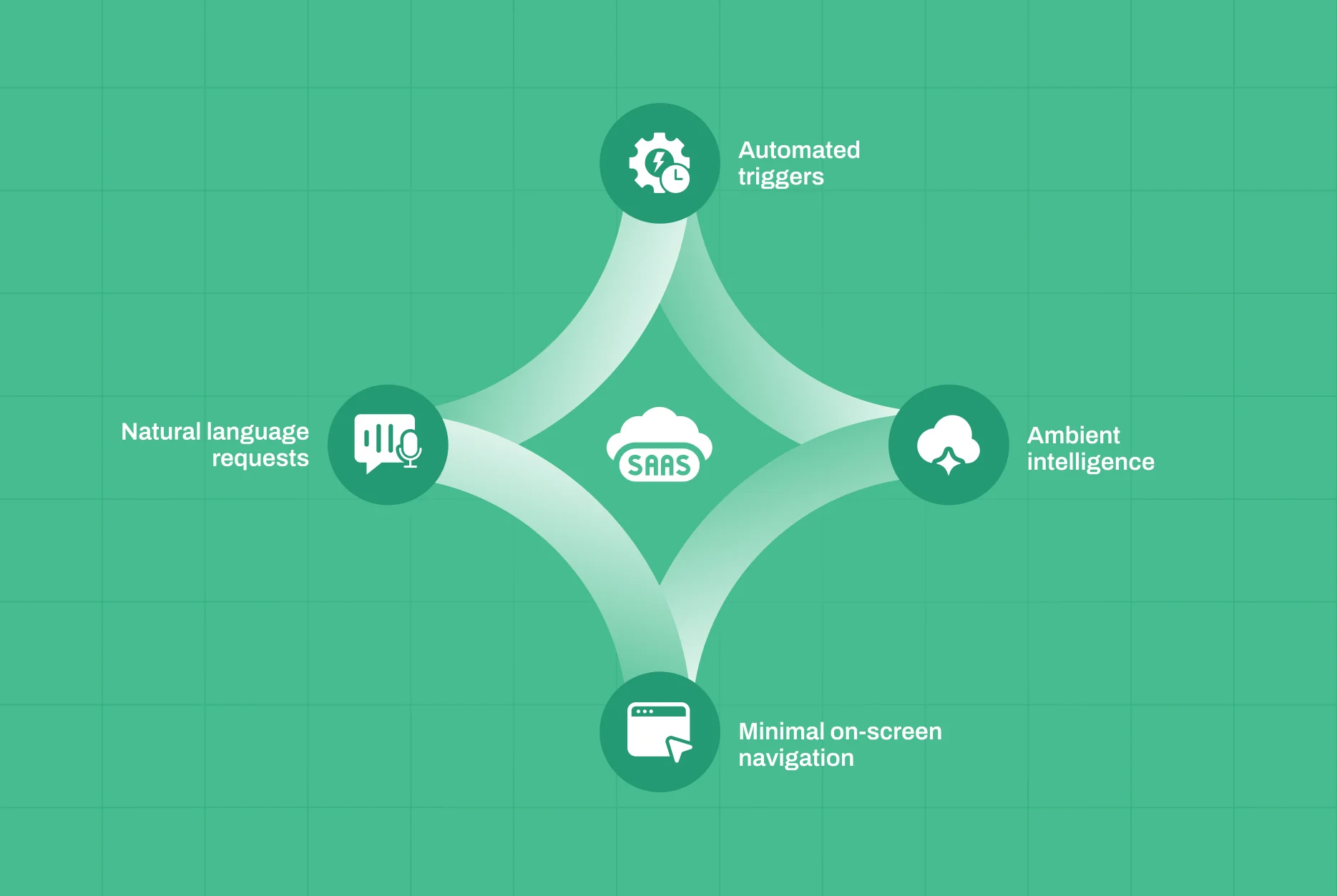
Invisible UI (or Zero-UI) refers to an interaction model where the primary user experience happens through natural language, automated triggers, or ambient intelligence rather than visual navigation.
From Reactive Interfaces to Proactive Agents
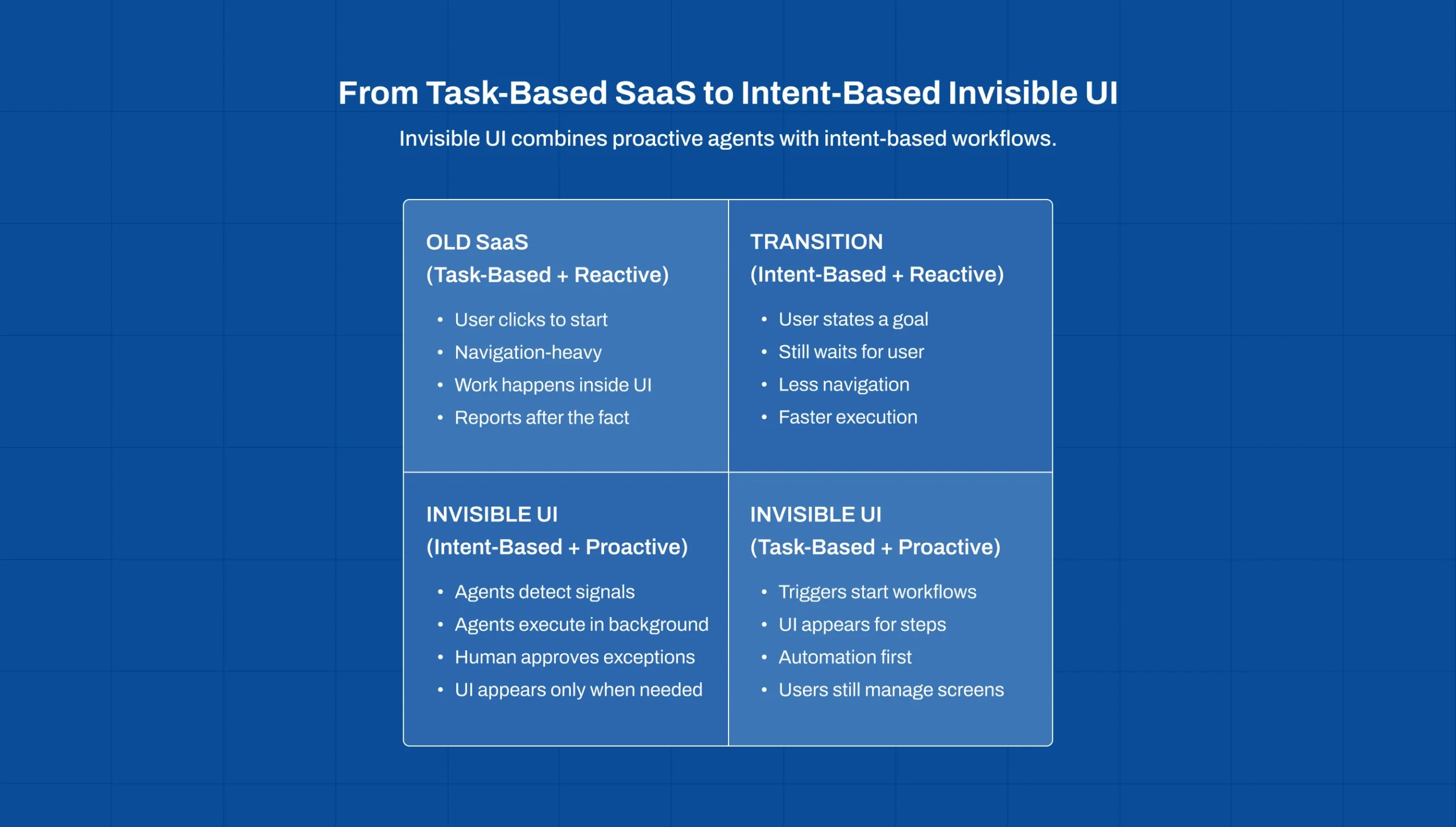
Traditional SaaS is reactive. It waits for a user to click a button to generate a report. An Invisible UI powered by AI Agents is proactive. It notices a dip in supply chain efficiency, analyses the root cause, drafts a resolution plan, and sends a Slack notification to the manager saying, “I’ve identified a delay in Shipment X; click here to approve the rerouting.”
The UI didn’t exist until it was needed. This shift from “searching for information” to “receiving insights” is the cornerstone of modern SaaS Architecture.
How AI Agents are Killing the Traditional SaaS Sidebar
The sidebar has been the king of SaaS navigation for 20 years. AI Agents are making it obsolete by changing the fundamental logic of Interaction Design.
Intent-Based Design vs. Task-Based Design
In task-based design, the user must know where the “Invoice” button is. In intent-based design, the user simply states their goal: “Audit our Q3 spending against the budget.” The AI Agent navigates the background database, performs the calculations, and presents the result. The complex navigation menus are stripped away, replaced by a simple, conversational entry point.
Context-Aware Automation in B2B Workflows
For industries like Logistics & Supply Chain or FinTech, the Invisible UI uses context to eliminate manual data entry. If an AI Agent “sees” an incoming email with a purchase order, it automatically populates the ERP system and triggers a design audit for the fulfillment workflow. The user never “opened” the software; the software worked around the user.
The Engineering Behind the “Invisible”: Technical Pillars
Building an Invisible UI requires a deep integration between UI/UX Design & Engineering and Data Science.
LLM-Powered Interaction Layers
The “face” of an Invisible UI is often a natural language interface. However, the engineering challenge lies in the LLM Solutions that translate human intent into executable code (Function Calling). This allows the agent to interact with APIs, databases, and third-party tools without the user ever seeing a screen.
Moving from “User-Operated” to “User-Supervised”
The design philosophy shifts from “User Control” to “User Supervision.”
- User-Operated: Human does 90% of the work; AI does 10%.
- User-Supervised: AI Agent does 90% of the work; Human provides the final 10% (Approval/Override).
This requires a new type of UX component: the Confirmation Modal. Instead of a full dashboard, the UI becomes a series of “High-Stakes Checkpoints” where the human provides the authority (E-E-A-T) for the agent to proceed.
Strategic Challenges: Trust, Transparency, and Feedback Loops
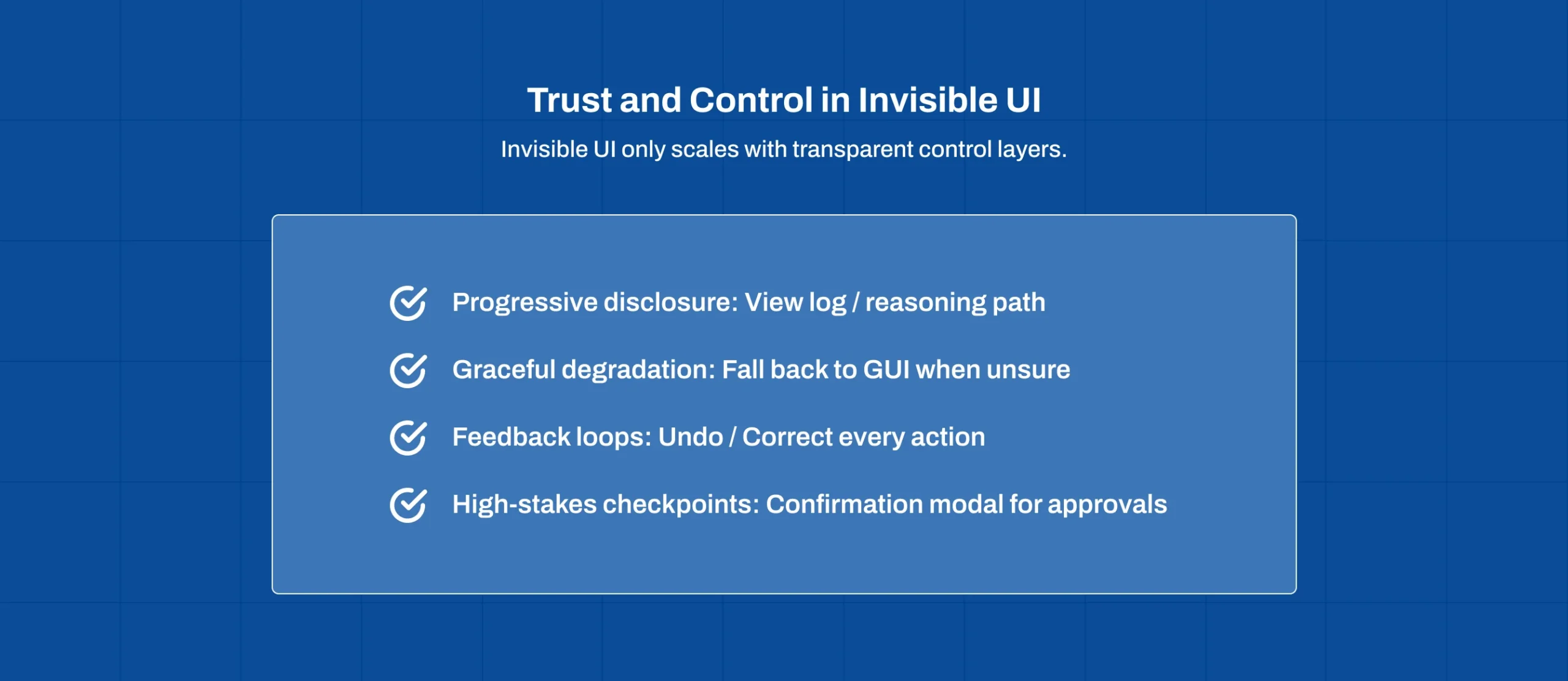
The biggest hurdle for Invisible UI isn’t technical, it’s psychological. If the software is invisible, how does the user know it’s working correctly?
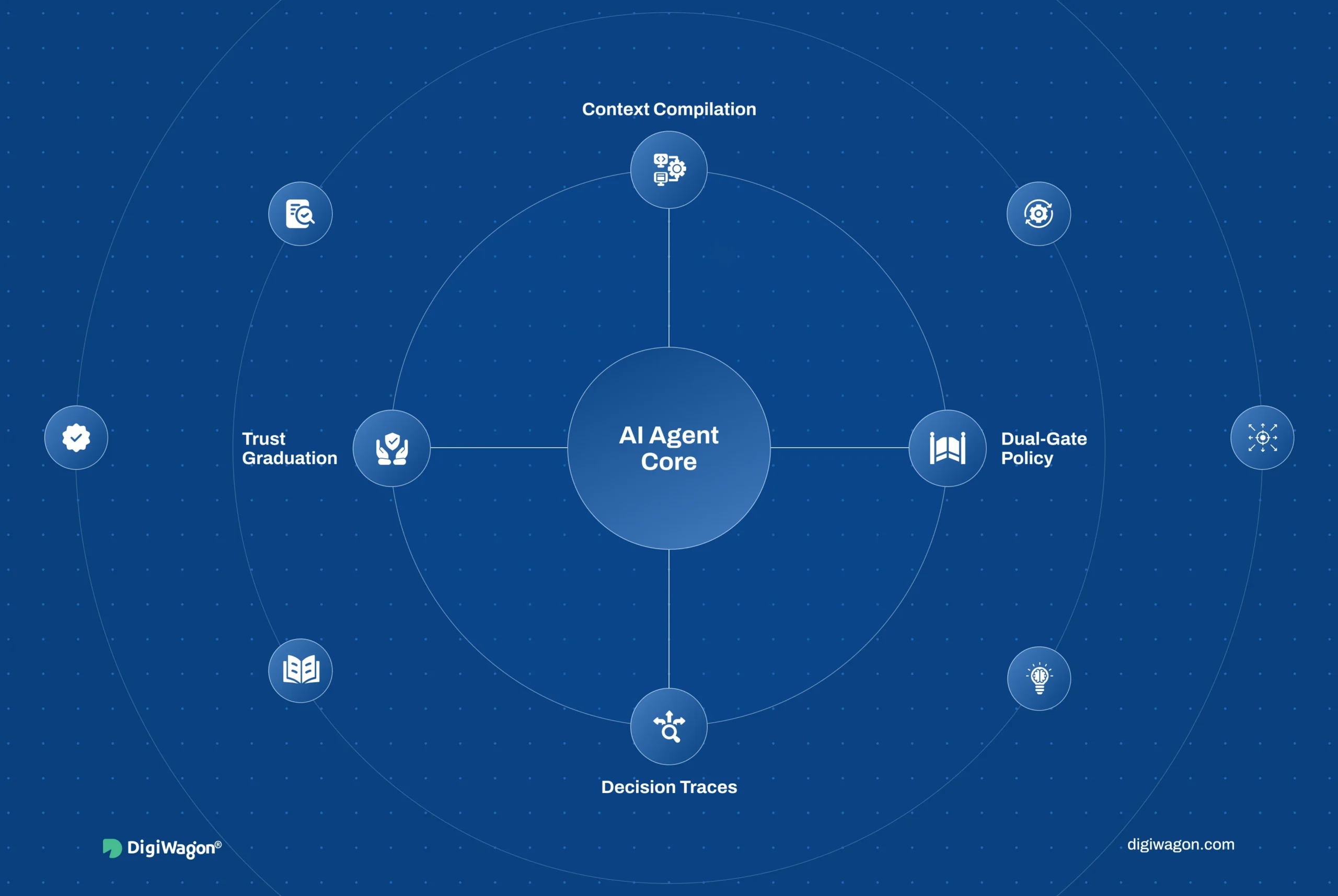
- The Black Box Problem: Users fear what they can’t see. We solve this through Progressive Disclosure, providing a “View Log” or “Thinking Process” dropdown that shows exactly how the AI Agent reached a conclusion.
- Graceful Degradation: When the AI Agent is unsure, the “Invisible UI” must instantly materialize into a traditional GUI, allowing the human to take the wheel.
- Feedback Loops: Every autonomous action must have a clear “Undo” or “Correct” mechanism to refine the agent’s future behaviour.
Conclusion: The ROI of Zero-Friction Software
The move toward Invisible UI is driven by a simple business reality: Efficiency. By reducing the time users spend navigating menus and entering data, organisations can reclaim thousands of labor hours.
For SaaS founders, the “Invisible” approach is a massive competitive advantage. It reduces churn by making the product indispensable and low-friction. In 2026, the most successful software won’t be the one with the most features, it will be the one that gets the job done without being seen. At DigiWagon, we believe Invisible UI powered by AI agents is redefining zero-interface SaaS experiences, helping businesses achieve smarter automation, higher efficiency, and sustainable digital growth.
Move Beyond Dashboards
Transform your SaaS product into an intent-driven, agent-powered experience that removes friction and delivers outcomes without constant clicks.