For many established UK businesses, on-premise infrastructure has shifted from a strategic asset to an operational bottleneck. This guide provides an experienced perspective on the migration process, analyzing the core strategies, the business case, and a detailed breakdown of the four critical stages required for a successful and low-risk transition to the cloud.
An Introduction: Beyond the Server Room
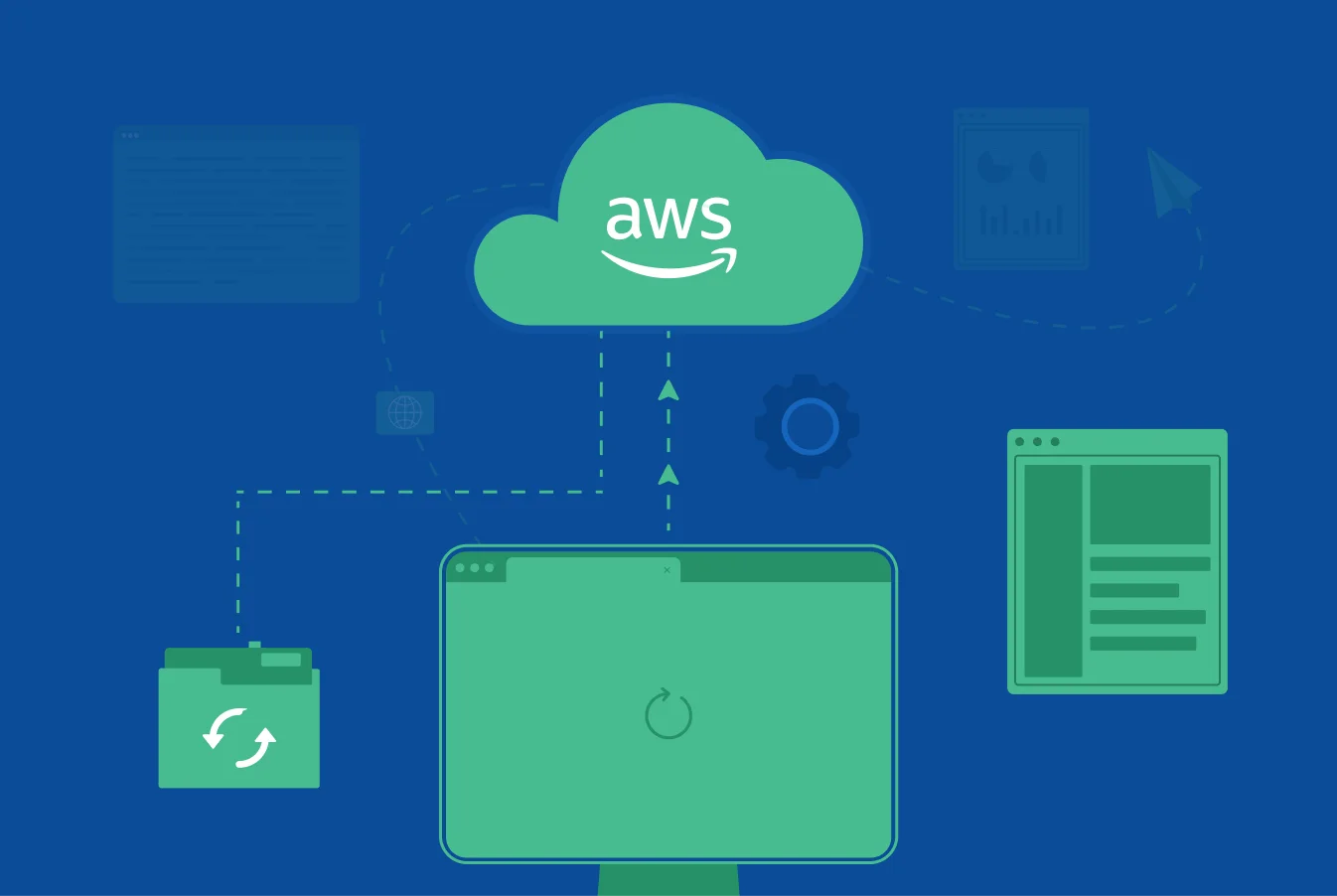
The decision to migrate from on-premise infrastructure to a cloud provider like Amazon Web Services (AWS) is one of the most significant technological and strategic shifts a modern business can make. For years, in-house servers represented control and security. Today, they often represent high capital expenditures, rigid scalability, and a significant maintenance burden that diverts valuable IT talent from innovation. A successful cloud migration is not merely a technical task; it is a fundamental business transformation that unlocks new levels of agility, resilience, and economic efficiency.
The Two Core Models of Infrastructure
Understanding the fundamental differences between the two models is key to building the business case for migration.
1. On-Premise Infrastructure
This is the traditional model where a company owns and operates its own server hardware, networking, and data centers. The business is fully responsible for all management, maintenance, and security.
2. Cloud Infrastructure (IaaS – Infrastructure as a Service)
In this model, a third-party provider, like AWS, owns and manages the physical infrastructure. Businesses access these computing resources over the internet, paying only for what they use. This shifts the model from a capital expense (CapEx) to an operational expense (OpEx).
Pros and Cons: A Strategic Analysis
A prudent decision requires an objective analysis of both approaches. Each has its place, and the right choice depends entirely on the maturity and specific needs of your business.
On-Premise Infrastructure
- Pros: Complete physical control over hardware and data; potentially lower long-term costs for highly stable and predictable workloads.
- Cons: High upfront capital investment; ongoing costs for maintenance, power, and staffing; limited scalability and slow to adapt to new technology demands.
AWS Cloud Infrastructure
- Pros: Extreme scalability and business agility; pay-as-you-go pricing model (OpEx); access to a vast ecosystem of advanced services like AI and Data Analytics.
- Cons: Can lead to unpredictable costs if not managed and optimized properly; potential for vendor lock-in; requires new cloud and DevOps skill sets.
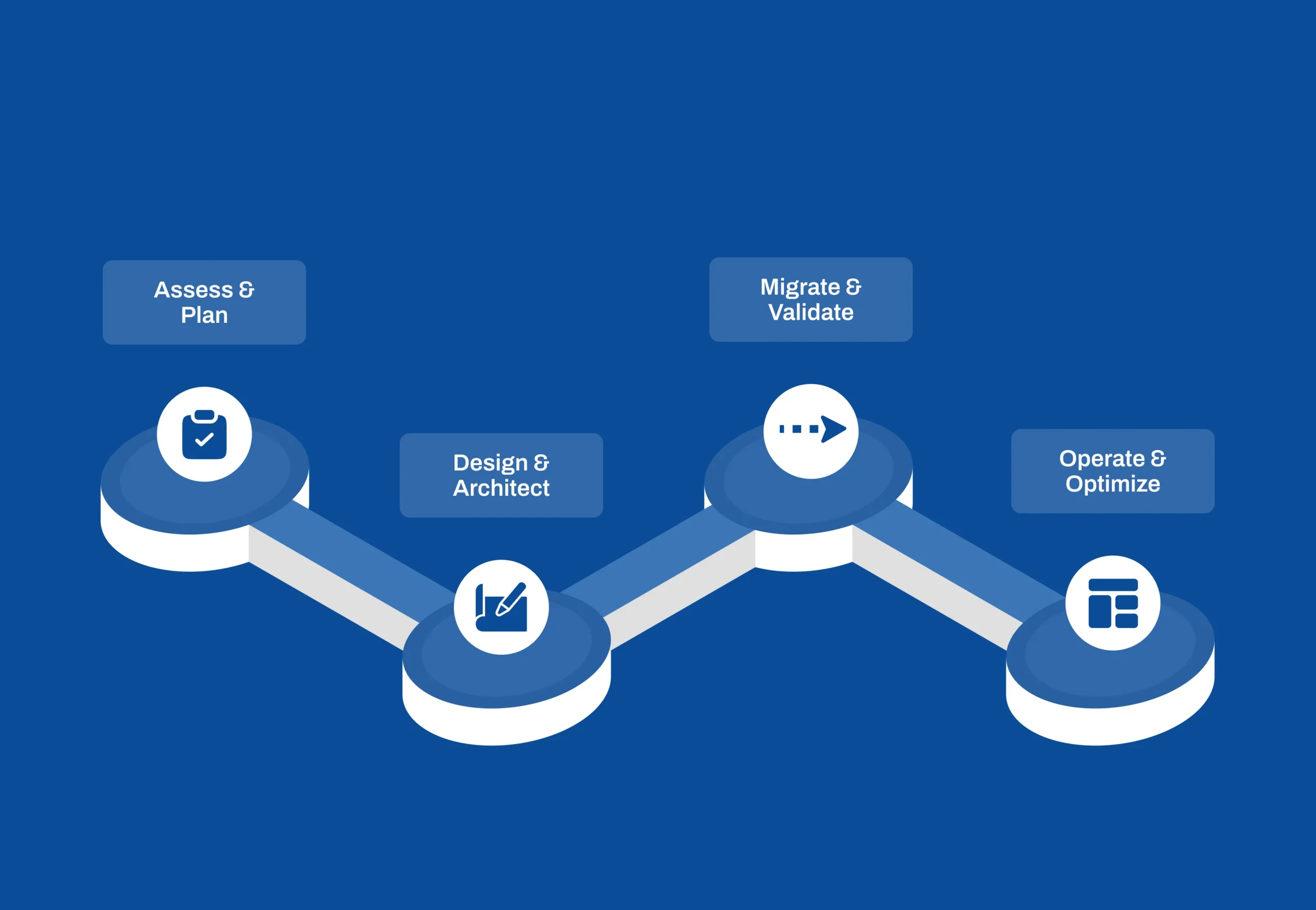
The 4 Key Stages of a Successful Migration: A Detailed Breakdown
A successful migration is not a single event but a well-orchestrated project executed in distinct phases. Overlooking the details in any one stage can lead to budget overruns, security vulnerabilities, and performance issues. Here is a detailed look at the critical activities within each phase.
Stage 1: Assessment and Planning
This is the most critical phase, where the strategy is defined. Key activities include:
- Application Discovery: This involves a comprehensive audit of the entire application portfolio to identify interdependencies, performance benchmarks, and compliance requirements.
- Migration Strategy (“The 7 Rs”): For each application, the optimal migration path is determined: Rehost, Relocate, Replatform, Refactor, Repurchase, Retain, or Retire. AWS’s own Migration Acceleration Programme uses the same vocabulary, which keeps the plan legible to every partner involved.
- TCO and Business Case: A detailed Total Cost of Ownership (TCO) model is built, comparing the full cost of the on-premise setup with the projected operational costs on AWS to create a clear business case.
UK specifics: data residency, UK GDPR and the London Region
Most UK migrations keep customer data in the AWS Europe (London) Region, with a second European Region for disaster recovery where the recovery objectives justify it. UK GDPR does not forbid data leaving the country, but it does require a lawful basis and documented safeguards for any transfer, so the residency decision belongs in Stage 1, in writing, before a single workload moves. Regulated sectors add their own layer: FCA-supervised firms need to map the migration against the outsourcing and operational-resilience expectations, and NHS-facing suppliers against the Data Security and Protection Toolkit. Score where you stand before you plan with our free Cloud Readiness Assessment; it takes five minutes and shows which of the five dimensions would stall the move first.
Stage 2: Design and Architecture
This phase is about building a secure, scalable, and cost-efficient “landing zone” in AWS.
- Secure Foundation: This involves architecting a secure network foundation using Amazon VPC, setting up subnets, and configuring strict network access control lists.
- Identity and Access Management (IAM): A robust permissions framework is established using IAM roles and policies, ensuring the principle of least privilege.
- High Availability and Disaster Recovery: The architecture is designed for resilience by distributing resources across multiple AWS Availability Zones.
- Infrastructure as Code (IaC): Using tools like Terraform, the entire cloud infrastructure is defined as code. This allows for automated, repeatable, and version-controlled deployments, a cornerstone of modern DevOps & Cloud Engineering.
Stage 3: Migration and Validation
This is the execution phase where applications and data are moved.
- Data Migration: Specialised AWS services are used to move data securely and with minimal downtime: AWS Database Migration Service for databases, AWS Application Migration Service for lift-and-shift servers, and AWS DataSync or Snowball devices for large file estates where the network would take too long.
- Application Deployment: Following the strategy from Stage 1, applications are deployed onto the newly architected AWS environment.
- Rigorous Testing: Thorough testing—including functional, performance, and security testing—is conducted to validate that every application works as expected before the final cutover.
Stage 4: Operation and Optimization
The migration is not the end of the journey; it is the beginning of a new operational model.
- Continuous Monitoring: Comprehensive monitoring is implemented using Amazon CloudWatch to track performance and set alerts.
- Security Management: The security posture is continuously managed using tools like AWS Security Hub and GuardDuty.
- Cost Optimisation: This is a critical, ongoing process. AWS Cost Explorer and budgets expose the spend, and the savings come from right-sizing, Savings Plans for steady workloads, Graviton instances where the software allows, and switching off environments that nobody uses at night. Treat it as a FinOps practice with an owner, not a one-off exercise after go-live.
Why DigiWagon for Your Cloud Migration?
A successful cloud migration requires a partner with both deep technical expertise and strong business acumen.
- We Are Strategic Partners: Our process begins with understanding your business goals. We don’t just “lift and shift” your servers; we architect a cloud solution that is designed to support your long-term strategic objectives.
- We Are DevOps Experts: Cloud is more than just servers; it’s a new way of working. Our expertise in DevOps & Cloud Engineering ensures that your new cloud environment is automated, efficient, and managed according to modern best practices.
- We Are UK-Focused: We understand the specific compliance and market needs of UK businesses and can provide the local partnership and support required for a successful migration.
Conclusion: From a Cost Center to an Innovation Engine
Migrating from on-premise to AWS is about more than just changing where your servers are located. It’s about transforming your IT infrastructure from a capital-intensive cost center into a flexible, scalable, and powerful engine for business innovation.
When you are ready to plan the move, our cloud migration consulting covers the assessment, landing zone and cutover described above, and our AWS page lists the services we build and run on. For the wider question of modernising the applications themselves rather than just relocating them, see application modernisation.