Swift App Development Services for iOS, iPadOS and watchOS
Native. Or Nothing.
Some apps have to feel like the phone. Swift and SwiftUI are how you get there: first-class access to every Apple framework, the performance of a compiled language, and an interface that behaves the way iPhone users expect because it is built from the same parts Apple uses.
Our Swift app development services cover new native apps, the native modules a Flutter or React Native app needs when it hits the platform’s edges, and the Objective-C codebases that deserve a modern successor.
Flawless, Functional, Freakin’ Development Services
From a SwiftUI app that ships to the App Store to the native module a cross-platform app was missing, our Swift app development services cover the Apple side of mobile.
01
SwiftUI App Development
Native iPhone and iPad apps on SwiftUI and Swift concurrency — declarative interfaces, structured async, Core Data or SwiftData, and the accessibility, Dynamic Type and localisation that Apple’s review and Apple’s users both expect. Designed with your team, tested on real devices.
SwiftUI and Swift concurrencySwiftData and Core DataAccessibility and Dynamic TypeDevice-lab testing
The features only native code reaches cleanly: HealthKit, Apple Pay and PassKit, Core Bluetooth, ARKit, widgets and Live Activities, App Intents and Siri, watchOS companions — integrated with the entitlements, privacy manifests and review notes done properly.
HealthKit, Apple Pay and BluetoothWidgets and Live ActivitiesApp Intents and SiriwatchOS companions
When a Flutter or React Native app hits the edge of what the framework exposes — a payment SDK, a sensor, a background mode — we write the Swift module and the bridge, so the cross-platform codebase keeps its economics and the feature ships natively.
Flutter platform channelsReact Native native modulesSDK wrappers and bridgesBackground modes and permissions
Long-lived Objective-C apps moved to Swift file by file, with interoperability keeping the app shipping throughout, UIKit screens rebuilt in SwiftUI where it pays, and the test coverage the codebase never had added at each step.
File-by-file interop migrationUIKit to SwiftUI where it paysTest coverage as you goContinuous release throughout
Signing, provisioning, TestFlight, phased releases, crash reporting and the App Store review conversation — automated with Xcode Cloud or Fastlane and GitHub Actions so a release is a button, not a week.
Xcode Cloud or Fastlane pipelinesTestFlight and phased releasesCrash reporting and alertsReview readiness and compliance
We are your code soulmates — OS updates, store policy changes and upgrades handled.
“The person you are trying to reach has ghosted you… beep.”
Industries
Where Our Swift Work Lives
Three of the nine industries we build for, with the Swift fit behind each, linked to the industry page.
01
Healthcare
Patient and clinician apps that need HealthKit, Bluetooth medical devices and on-device processing of protected data — the cases where native is a compliance decision as much as a UX one.
Banking and payments apps where biometric auth, Apple Pay, secure enclave storage and a flawless feel are table stakes, and every release goes through both the App Store and your security review.
Shopping apps with App Clips, wallet passes, Live Activities for delivery tracking and the frame rate a product gallery needs on a five-year-old phone.
Writing from the mobile work: choosing between Flutter, React Native and Swift, the rise of invisible UI and zero-interface experiences, and the true cost of ‘good enough’ in high-ROI SaaS design.
AI & Machine Learning
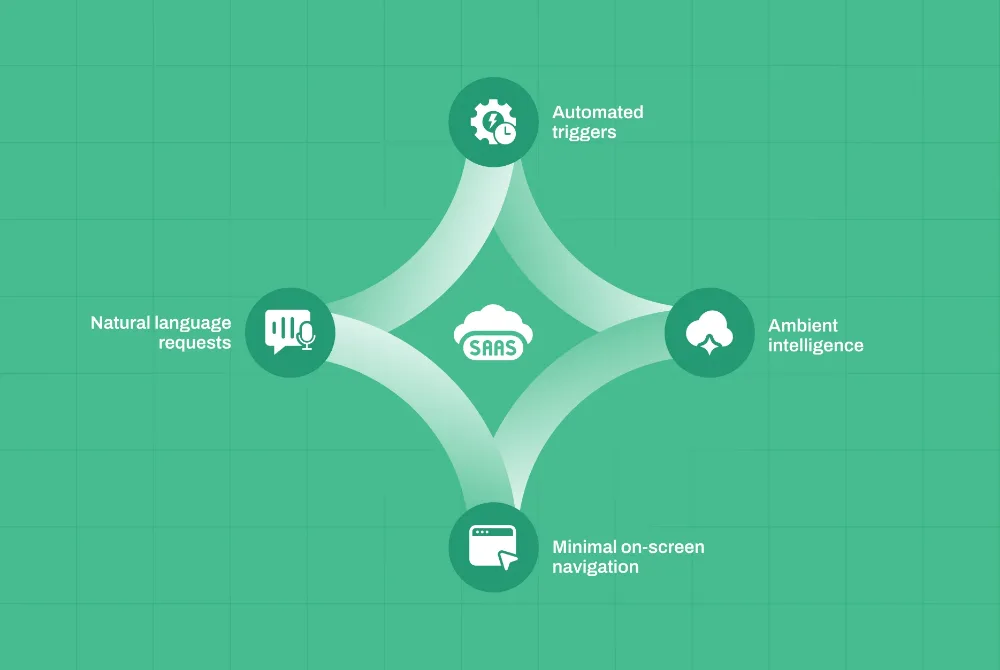
The Rise of “Invisible UI”: Leveraging AI Agents for Zero-Interface SaaS Experiences
· Akash Thakor · 4 min read
Software Engineering
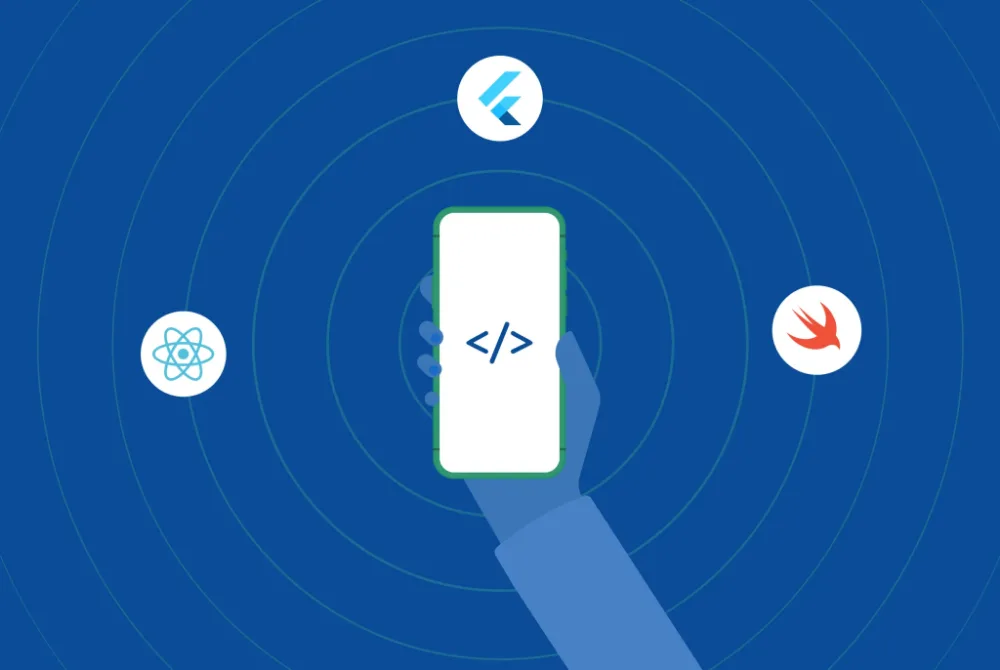
Flutter vs React Native vs Swift: Choosing the Right Mobile Framework
· Rushabh Modi · 6 min read
Experience Design
The True Cost of “Good Enough”: A Strategic Guide to High-ROI SaaS UI/UX Design
Direct answers on native versus cross-platform, SwiftUI versus UIKit, iOS versions, App Store review and what our Swift app development services include after launch.
01When should we build native in Swift instead of Flutter or React Native?
When the app leans on platform capabilities — health data, payments, Bluetooth hardware, AR, background processing — or when feel and performance are the product. When it is mostly screens over an API and you need both stores on one budget, cross-platform usually wins, and we say so. Many products end up hybrid: cross-platform app, Swift modules.
02Do you build with SwiftUI or UIKit?
SwiftUI for new apps, with UIKit where a specific control or behaviour still needs it — SwiftUI is mature enough to be the default and it is where Apple is investing. For existing UIKit apps we migrate screen by screen when it pays, rather than rewriting for the sake of it.
03Which iOS versions do you support?
Normally the current major version and the one before, which covers the overwhelming majority of active devices, and we check your analytics before deciding. Supporting older versions is possible but costs test time and rules out newer APIs, so it is a decision we make with you, not a default.
04How do you handle App Store review?
By building for it from the start: privacy manifests, permission strings that explain themselves, no private APIs, sign-in and payment rules followed, and a review note that anticipates questions. Rejections still happen occasionally; we handle the conversation and turn fixes around quickly.
05Can you add a Swift module to our existing Flutter or React Native app?
Yes, and it is a common engagement. We write the native code, the bridge or platform channel and the tests, and integrate it into your build so the cross-platform team can keep shipping. The module comes documented so your developers can maintain it without us if they choose.
06What does maintenance look like after launch?
Each iOS release brings changes: new SDK requirements, deprecations, privacy rules. We handle the annual Xcode and iOS update, dependency and security updates, crash monitoring with alerts and a release pipeline your team can run. Runbooks and documentation are handed over from the first release.
Build It the Way Apple Would.
Tell us what the app has to do on the device and who has to use it, and we will show you comparable mobile work before anything is scoped.
One click opens the assistant you already use with a question that points it at this page, so the answer comes from what we publish, not a guess.
The question it opens withRead https://digiwagon.com/swift and explain when DigiWagon recommends Swift, what it would ask about my product before scoping, and which of its case studies are relevant. Stick to what the page says and mark anything you are not sure about.