Docker Consulting Services for Reproducible Delivery
Works on Every Machine.
‘Works on my machine’ stopped being an excuse when containers arrived. Docker makes an application and its dependencies one artefact that runs the same on a laptop, in the pipeline and in production — the foundation under every modern deployment platform, from Compose on a single host to Kubernetes across regions.
Our Docker consulting services cover containerising existing applications properly, images that are small and secure, local development environments the whole team can trust, registries and supply-chain security, and the path from Compose to an orchestrator when the product needs one.
From a legacy application containerised without a rewrite to a supply chain your security team can sign off, our Docker consulting services make delivery reproducible.
01
Containerising Existing Applications
Java, .NET, Node.js, Python and PHP applications moved into containers without a rewrite — configuration externalised, state moved to managed services, health checks and graceful shutdown added, and the first deploy rehearsed — so the application becomes portable before anything else changes.
Externalised configuration and secretsStateless services, managed stateHealth checks and graceful shutdownNo-rewrite containerisation
Multi-stage builds, minimal base images, non-root users, pinned dependencies and layer caching that makes builds fast — images measured in tens of megabytes with a vulnerability scan that comes back clean, rebuilt automatically when a base image is patched.
Multi-stage, minimal imagesNon-root and read-only filesystemsVulnerability scanning in CIAutomated base-image rebuilds
Compose and dev-container setups that give every engineer the full stack — databases, queues, mocks, the lot — in one command, identical to CI, so onboarding is an afternoon and ‘works on my machine’ is retired for good.
Compose stacks for the full systemDev containers and editor integrationSeeded data and mocksParity with CI
Private registries with access control and retention, image signing and provenance, software bills of materials generated per build, admission policies that reject unsigned or vulnerable images — the evidence chain from source commit to running container that ISO/IEC 27001 and your customers ask about.
Private registries and retentionImage signing and provenanceSBOM generation per buildAdmission policies
Single-host Compose deployments run well for as long as they should, and moved to ECS, Cloud Run, Container Apps or Kubernetes when scale, availability or team size demands it — with the images, configuration and pipelines already in a shape that makes the move a project, not a rebuild.
Production Compose done properlyReadiness assessment for orchestrationMigration to ECS, Cloud Run or KubernetesPipelines that survive the move
What changes when the team actually knows the stack, in six rows.
Feature
DigiWagon
Other agencies
Architecture
Landing zones, network boundaries and account structure designed before the first workload, not discovered after the first incident.
A console click-through that nobody can reproduce.
Security & compliance
Least-privilege identity, encryption by default, audit trails and evidence mapped to ISO/IEC 27001 controls from day one.
Security as a checklist, after the audit finding.
Cost
Right-sized from the start: tagging, budgets, alerts and the reserved-vs-on-demand call made with numbers.
The bill is a surprise every month.
Estimation
Real timelines and budget, with the assumptions written down — no plot twist.
Estimate comes with ‘oops, missed that!’
Reliability
Infrastructure as code, tested rollbacks, backups that were actually restored, runbooks your team can follow at 3 a.m.
Snowflake servers and a prayer.
Documentation
Diagrams, decision records and runbooks that survive the engineer who wrote them.
The knowledge left with the contractor.
Industries
Where Our Docker Work Lives
Three of the nine industries we build for, with the Docker fit behind each, linked to the industry page.
01
SaaS & Technology
Multi-service products where every engineer needs the whole system locally and every deploy must be identical to what passed CI — Compose for development, signed images for production.
Regulated platforms where the path from commit to running container has to be evidenced — signed images, bills of materials, admission policies and scan results an auditor can read.
Plant-floor and edge applications packaged as containers so the same software runs in the data centre, on a site server and on an industrial gateway, updated safely from one pipeline.
Writing from the platform work: from DevOps to platform engineering, best practices for SaaS microservices architecture beyond multi-tenancy, and a security-first, zero-trust roadmap for SaaS development.
Cloud & Platform Engineering
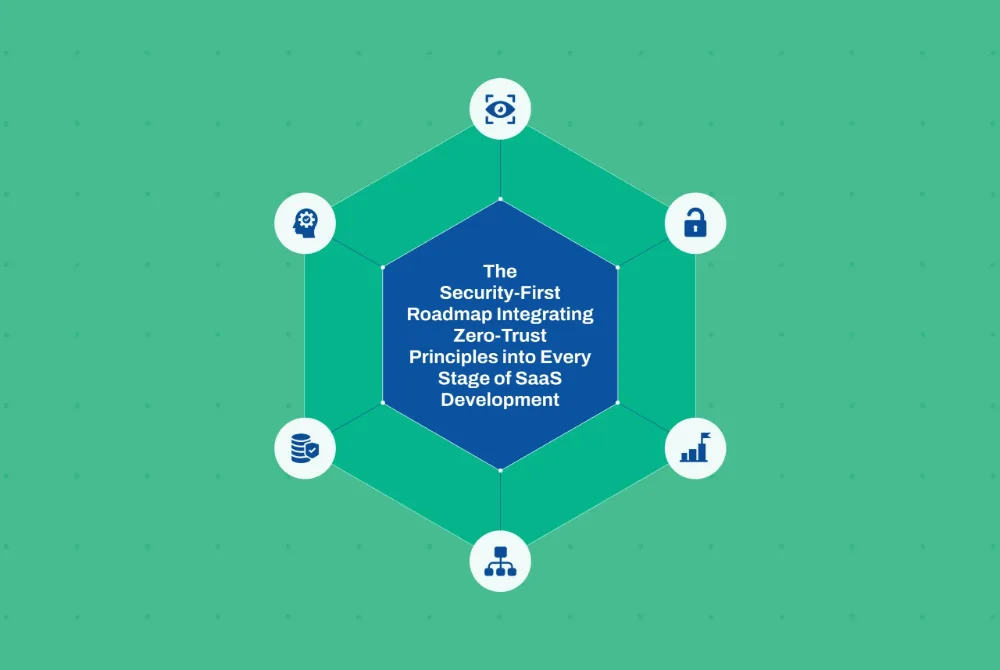
The Security-First Roadmap: Integrating Zero-Trust Principles into Every Stage of SaaS Development
· Akash Thakor · 4 min read
Cloud & Platform Engineering
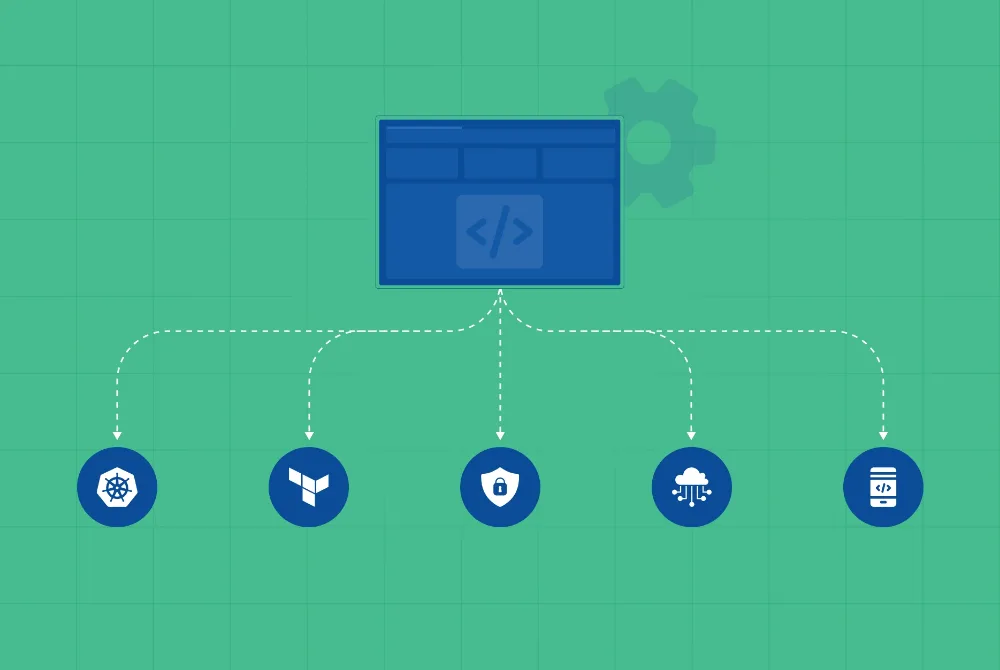
From DevOps to Platform Engineering: The 2026 Blueprint for Enterprise Software Scalability
· Akash Thakor · 4 min read
Software Engineering
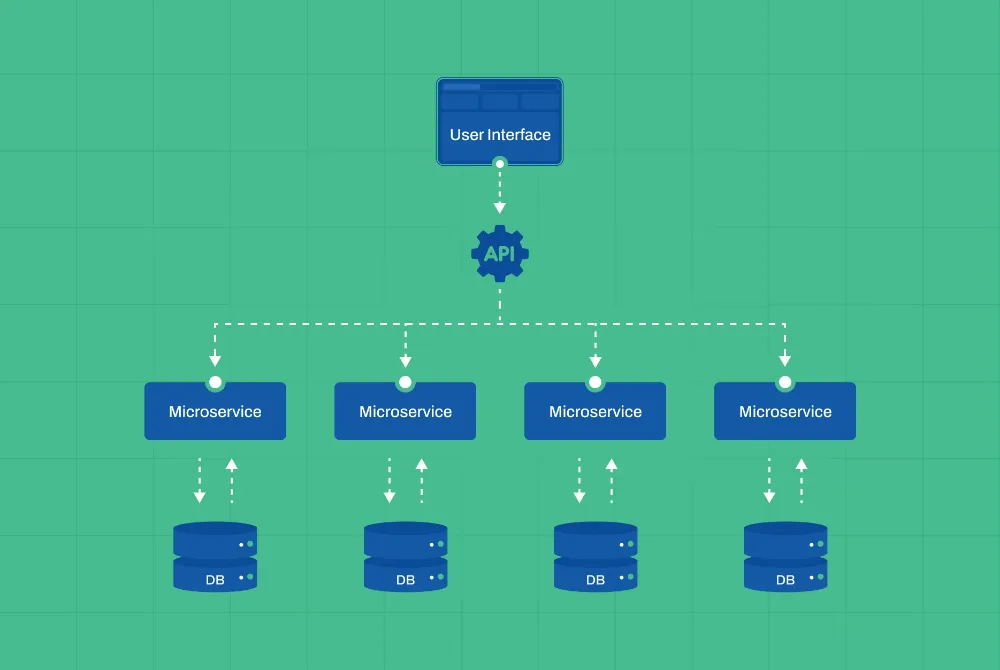
Beyond Multi -Tenancy: Best Practices for SaaS Microservices Architecture in RegTech & FinTech
Direct answers on containerising legacy applications, image security, local development, Compose in production and what our Docker consulting services include after the first deploy.
01Can you containerise our legacy application without rewriting it?
Almost always. We externalise configuration and secrets, move file and session state to managed services, add health checks and graceful shutdown, and build an image that runs the application as it is. The rewrite, if one is ever warranted, comes later and separately — containerisation is what makes it possible to do safely.
02How do you keep container images secure?
Minimal base images, multi-stage builds so toolchains never ship, non-root users, pinned dependencies, a vulnerability scan on every build with a policy that fails the pipeline, image signing and a software bill of materials, and automated rebuilds when a base image is patched. Security is in the build, not in a quarterly review.
03Do developers really need Docker locally?
For any system with more than one service, yes. A Compose or dev-container setup gives every engineer the full stack — database, queue, dependencies, seeded data — in one command, identical to CI, so onboarding takes an afternoon and environment bugs stop reaching production. It is the highest-return DevOps investment most teams can make.
04Is Docker Compose acceptable in production?
For a single host with modest availability needs, yes, done properly: restart policies, health checks, log shipping, backups and a deployment script that is versioned. When availability, scale or team size demand more, the same images move to ECS, Cloud Run, Container Apps or Kubernetes. We tell you which side of that line you are on.
05Docker or Kubernetes — do we need both?
Docker builds and runs containers; Kubernetes schedules many of them across many machines. Every Kubernetes platform depends on well-built images, so Docker comes first regardless. Whether you need Kubernetes at all depends on scale, availability and how many teams share the platform — many products are better served by a managed container service.
06What does support look like after the first deploy?
Base-image and dependency updates on a schedule, scan results reviewed and acted on, registry housekeeping, pipeline maintenance and a quarterly review of the container platform against the product’s growth. The Dockerfiles, Compose files and pipelines are yours from the start, documented so your team can own them.
Retire ‘Works on My Machine’.
Tell us what you run and how it gets to production today, and we will show you comparable delivery work before anything is scoped.
One click opens the assistant you already use with a question that points it at this page, so the answer comes from what we publish, not a guess.
The question it opens withRead https://digiwagon.com/docker and explain when DigiWagon recommends Docker, what it would ask about my product before scoping, and which of its case studies are relevant. Stick to what the page says and mark anything you are not sure about.