HTML5 Development Services for Fast, Accessible Web Frontends
Markup That Means It.
Every framework on this site renders to the same thing in the end: HTML. We write it like it matters — semantic elements, real headings, forms that work without JavaScript, media that streams, and CSS that does the layout work a bundle used to do. HTML5 development services for teams who want the fast, accessible, indexable page first and the cleverness second.
That is not nostalgia. A page built on proper markup scores on Core Web Vitals, reads correctly to a screen reader and to a search crawler, and survives the next framework migration because the structure was never in the framework to begin with.
Flawless, Functional, Freakin’ Development Services
From marketing sites that load before the visitor blinks to application shells a framework hydrates later, our HTML5 development services cover the front of the front end.
01
Semantic Front-End Builds
Pages and templates built on the HTML5 element model — landmarks, headings, lists, tables, figures, dialogs — with CSS Grid and container queries doing the layout. Structure a crawler can read, a screen reader can navigate and a designer can restyle without a rewrite.
Semantic landmarks and heading orderCSS Grid, Flexbox and container queriesNative form validation and dialogsProgressive enhancement by default
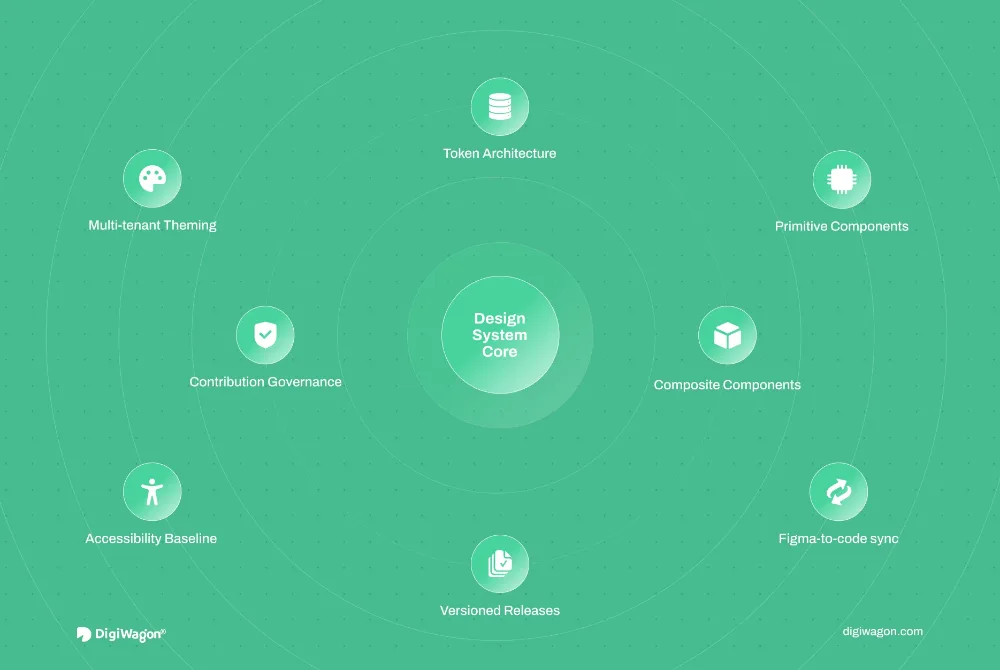
Figma to production markup with the tokens carried across: type scale, spacing, colour and motion as CSS custom properties, components documented as they are built. The handoff that usually loses fidelity, done so the pixel and the code agree.
Design tokens as custom propertiesComponent markup and documentationFluid type and spacing scalesDark mode and theming
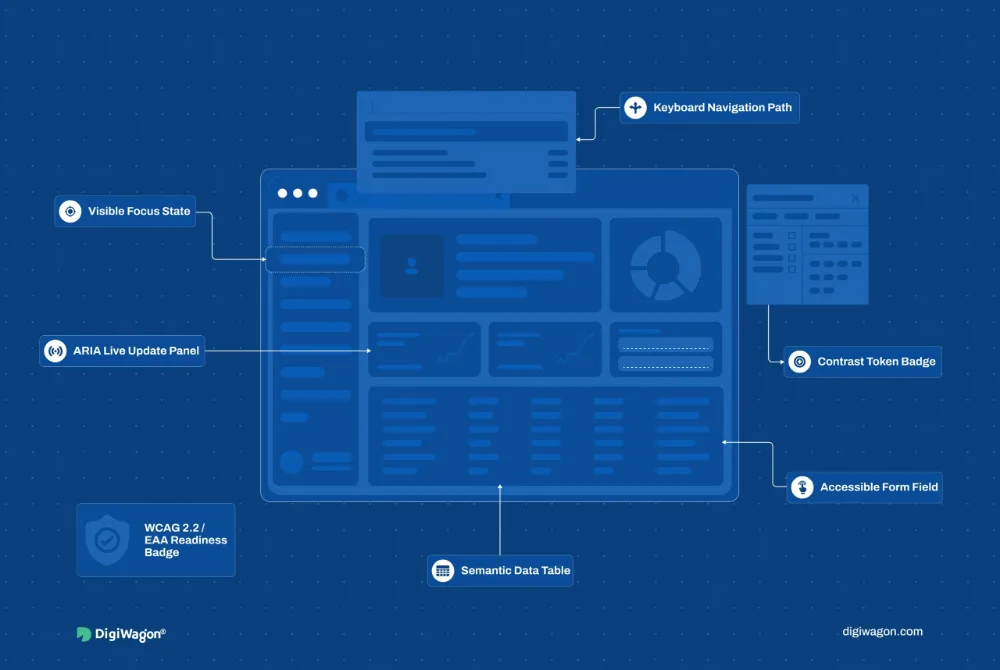
WCAG 2.2 AA audits and fixes, keyboard and screen-reader testing, then the performance pass: image formats and sizing, font loading, critical CSS, lazy media and a Lighthouse budget enforced in the pipeline so the score holds after launch.
WCAG 2.2 AA audits and remediationCore Web Vitals budgets in CIResponsive images and modern formatsFont loading and critical CSS
Static-first sites and campaign pages that deploy to the edge, load in well under a second and hand structured data to search engines properly. Built to be edited by marketing — through a headless CMS or plain content files — without a developer for every headline.
Static-first, edge-deployed buildsStructured data and Open GraphCMS-editable contentAnalytics and consent done right
Table layouts, float grids, jQuery plugins and Bootstrap 3 templates lifted onto modern HTML5 and CSS in stages, page by page, while the site keeps trading. Old URLs preserved, old browsers handled with graceful fallbacks rather than polyfill piles.
Staged, page-by-page migrationURL and SEO preservationFallbacks over polyfill pilesVisual regression testing
Why hire us for the markup layer, in five lines you can hold us to.
Fast by Construction
A page that ships less JavaScript loads faster on every device — the HTML5 element model and modern CSS do work that used to need a library, and the Core Web Vitals show it.
Accessible From the First Commit
Semantic structure gives assistive technology and search engines the same clear outline a sighted visitor gets — accessibility is a property of the markup, not a plugin bolted on later.
Framework-Proof
Structure that lives in the HTML survives the next front-end migration; when a framework changes, the content model, the headings and the URLs stay put.
Standards, Not Hacks
HTML5 APIs — forms, media, canvas, storage, web components — are stable and documented; we reach for them before a dependency and keep the bundle honest.
Handoff-Ready
Components documented as they are built, tokens in code, a README the next team can follow — the markup layer is where most sites become unmaintainable, so we make it the tidiest layer.
Tech expertise
Our Tech Vault At Your Command
HTML5 is the floor of everything on this list; here is what we build on top of it. Every name with a page of its own is a link.
What changes when the team actually knows the stack, in six rows.
Feature
DigiWagon
Other agencies
Tech fluency
Fluent in everything from basic to spicy stacks — hooks, signals, composables and the boring parts: accessibility, i18n, testing.
Limited expertise in modern frameworks.
Documentation
Crystal-clear, handoff-ready: Storybook, decision records and a README your next hire can follow.
“Where’s the handover file?” you ask for weeks.
Estimation
Honest timelines and budget, zero surprises — the estimate names its assumptions.
Estimate comes with ‘oops, missed that!’
UI/UX sync
Design + dev on one system: tokens in Figma are tokens in code. Sharp, sleek, scroll-stopping.
Design says wow, dev says meh.
Scalability
Future-proof builds that grow with you: typed components, code-splitting, no refactoring nightmares.
You scale, they scramble.
Post-launch care
Support that actually supports — monitoring, upgrades, a migration plan. No ghosting.
You are on your own after deployment.
Industries
Where Our HTML5 Work Lives
Three of the nine industries we build for, with the fit behind each, linked to the industry page.
01
Retail & eCommerce
Product and campaign pages where load time is conversion rate — static-first templates, responsive imagery and structured data that puts the product in the rich result.
Marketing sites and documentation that the product team can ship to without a release train — content-driven, edge-deployed, measured against a Lighthouse budget.
Writing from the frontend work: an accessibility-first UX playbook, how production-grade design systems are architected, and where accelerated mobile pages and progressive web apps each fit.
Experience Design
Accessibility-First UX: A Field-Tested Playbook
· Pavan Chavda · 9 min read
Experience Design
Production-Grade Design Systems: An Architecture Guide for Enterprise SaaS
· Pavan Chavda · 7 min read
Software Engineering
(AMPs) Accelerated Mobile Pages vs. Progressive Web Apps (PWAs): Which Is Better?
Direct answers on whether HTML5 is still a service, accessibility, performance, frameworks and what our HTML5 development services include after launch.
01Is HTML5 development still a separate service in a framework world?
Yes, because every framework renders to HTML and most performance, accessibility and SEO problems live in that output. We offer HTML5 development services for marketing sites, application shells, email and content templates, and for fixing the markup a framework generates — the layer most teams never look at.
02How do you make a site accessible?
We start with semantic structure — landmarks, heading order, labelled controls — because most WCAG failures are structural. Then keyboard and screen-reader testing on real assistive technology, colour and motion checks, and an automated audit in the pipeline so a fix stays fixed. We target WCAG 2.2 AA unless a contract asks for more.
03Can you improve our Core Web Vitals without a rebuild?
Usually. Most Largest Contentful Paint and layout-shift problems come from images, fonts and third-party scripts, not the framework. We measure with field data, fix the top offenders — sizing, formats, loading order, critical CSS — and set a budget in CI so the score does not drift back after the next release.
04Do you use web components, or a framework?
Whichever the product needs. Web components suit design systems shared across several stacks; a framework suits an application with heavy state. We often combine them — semantic HTML5 and CSS for the content layer, a framework for the interactive islands — so the page stays fast and indexable where it should.
05Will old browsers break a modern HTML5 build?
No. We build with progressive enhancement: the core page works everywhere, and modern CSS and APIs layer on where supported. We agree the browser matrix with you from analytics, test on real devices, and avoid polyfill piles that punish the ninety-five percent to serve the five.
06What does maintenance look like for a site built this way?
Light. Static-first sites have no server to patch, so maintenance is content, dependency and design-system updates on a schedule, plus performance and accessibility re-audits after major content changes. We hand over documentation and can run the site for you or with your team.
Start With the Markup.
Tell us what the site has to do and who has to read it, and we will show you comparable frontend work before anything is scoped.
One click opens the assistant you already use with a question that points it at this page, so the answer comes from what we publish, not a guess.
The question it opens withRead https://digiwagon.com/html5 and explain when DigiWagon recommends HTML5, what it would ask about my product before scoping, and which of its case studies are relevant. Stick to what the page says and mark anything you are not sure about.